Comparing major consoles with SSD storage for different players
Choosing between the best gaming consoles with SSD storage starts with an honest look at your habits. If you mainly play big budget action games on a 4K television, an Xbox Series X or PlayStation 5 will usually serve you better than a smaller device. Players who travel often or share a living room may instead prefer a Nintendo Switch or Steam Deck, where flexibility matters more than raw performance.
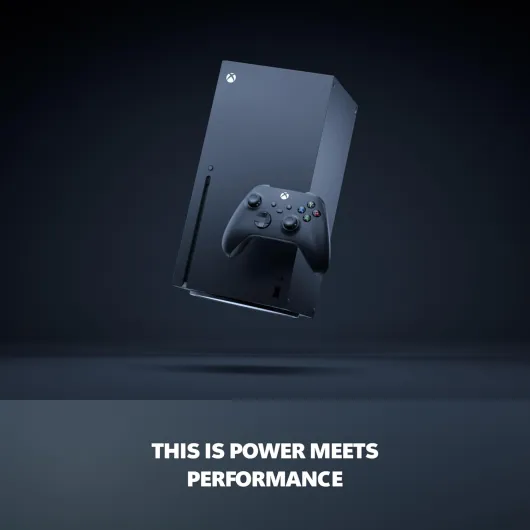
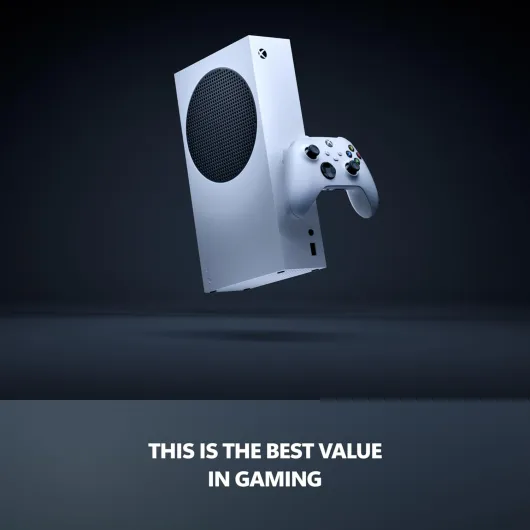
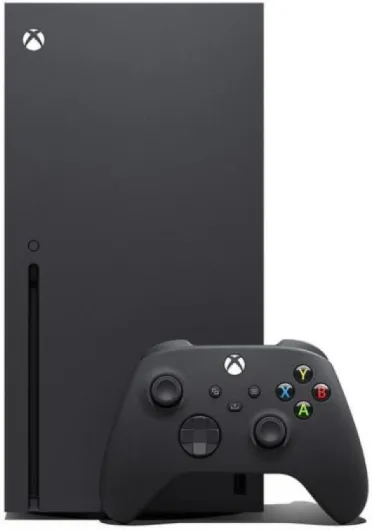
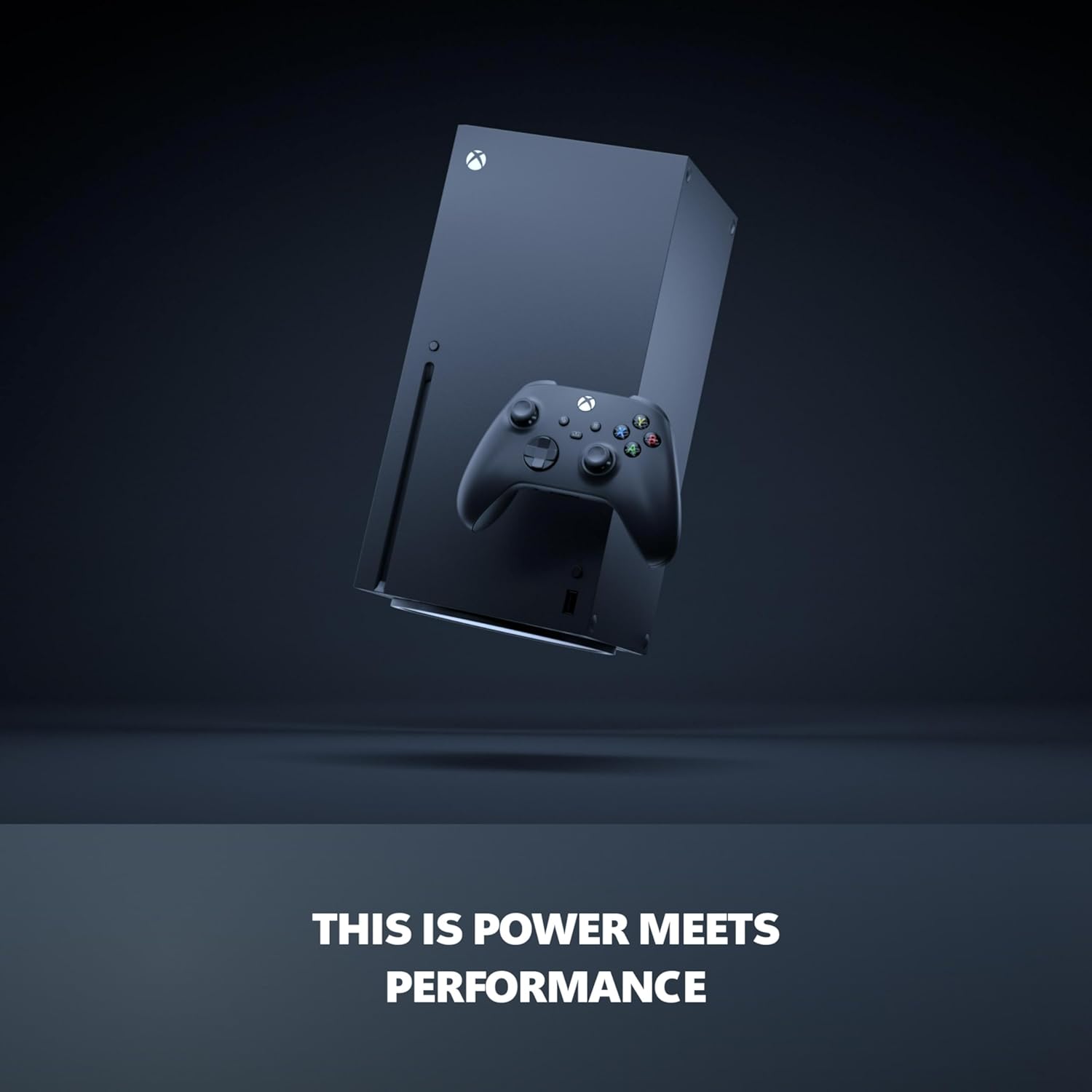
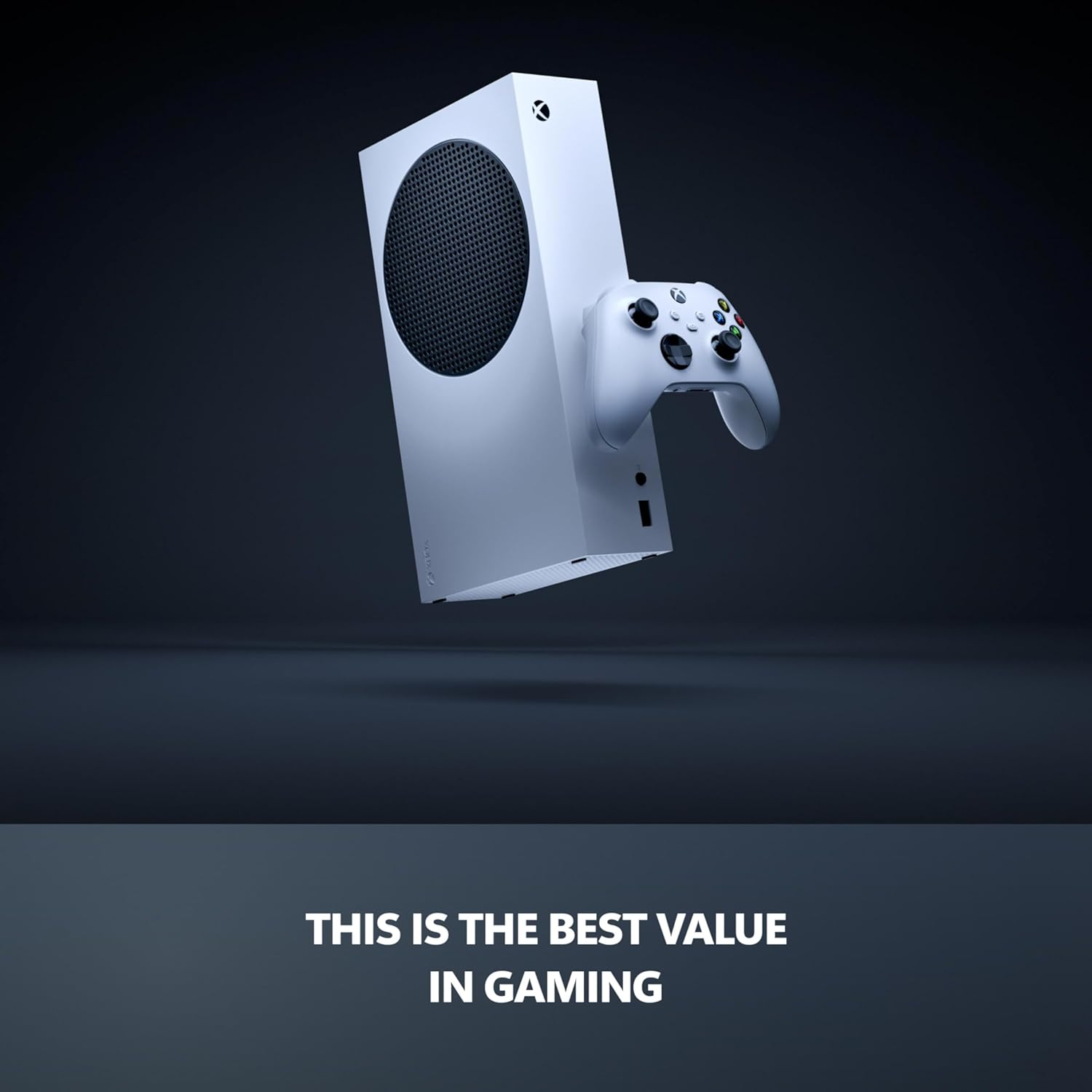
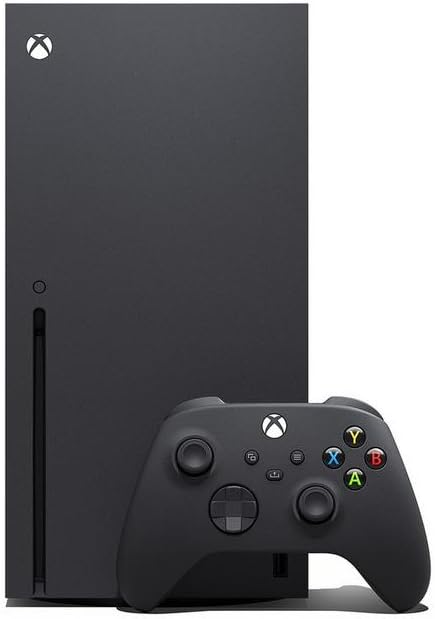
The Xbox Series X and the smaller Xbox Series S both use SSD storage, but they target different budgets and resolutions. The more powerful console focuses on native 4K output, higher frame rates, and a larger internal SSD, while the cheaper model aims at 1080p or 1440p and a lower entry price that appeals to best cheap console hunters. With Xbox Game Pass, both Xbox consoles gain access to a rotating library of games, which makes them attractive if you want to play many titles without buying each game outright.[5]
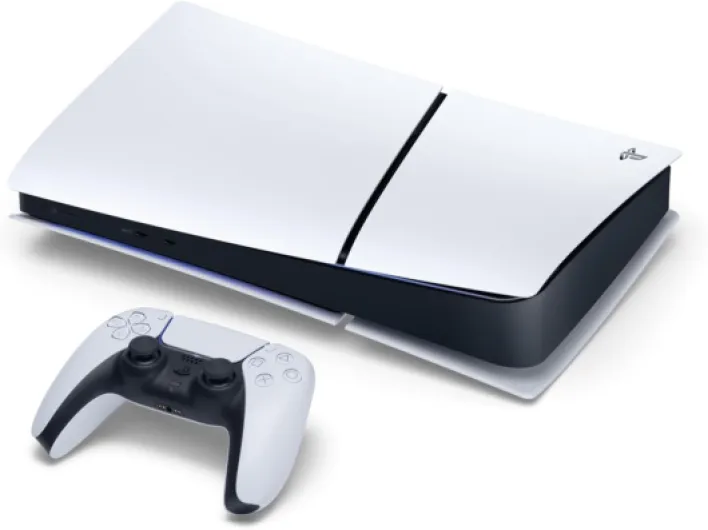
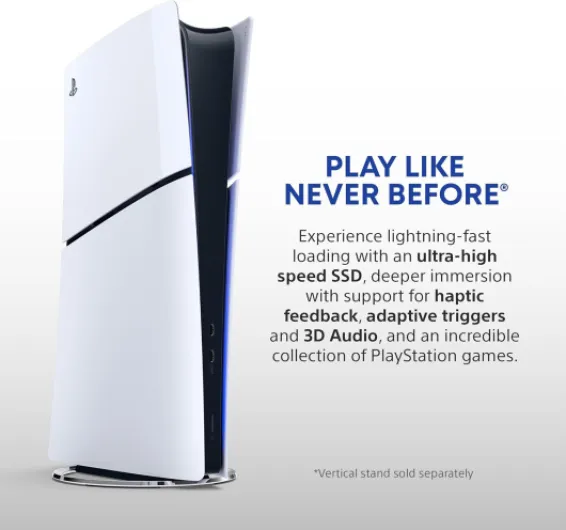
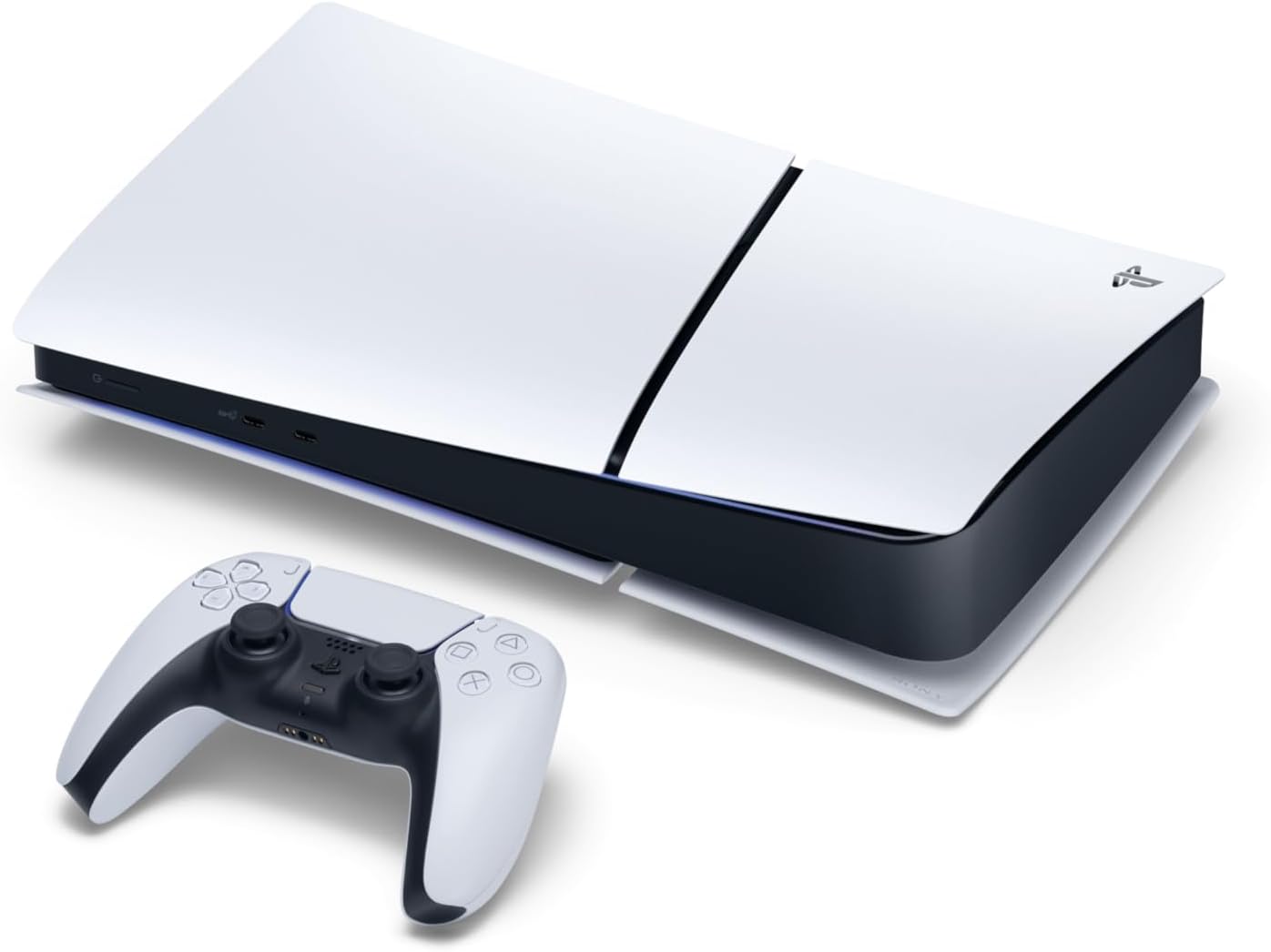
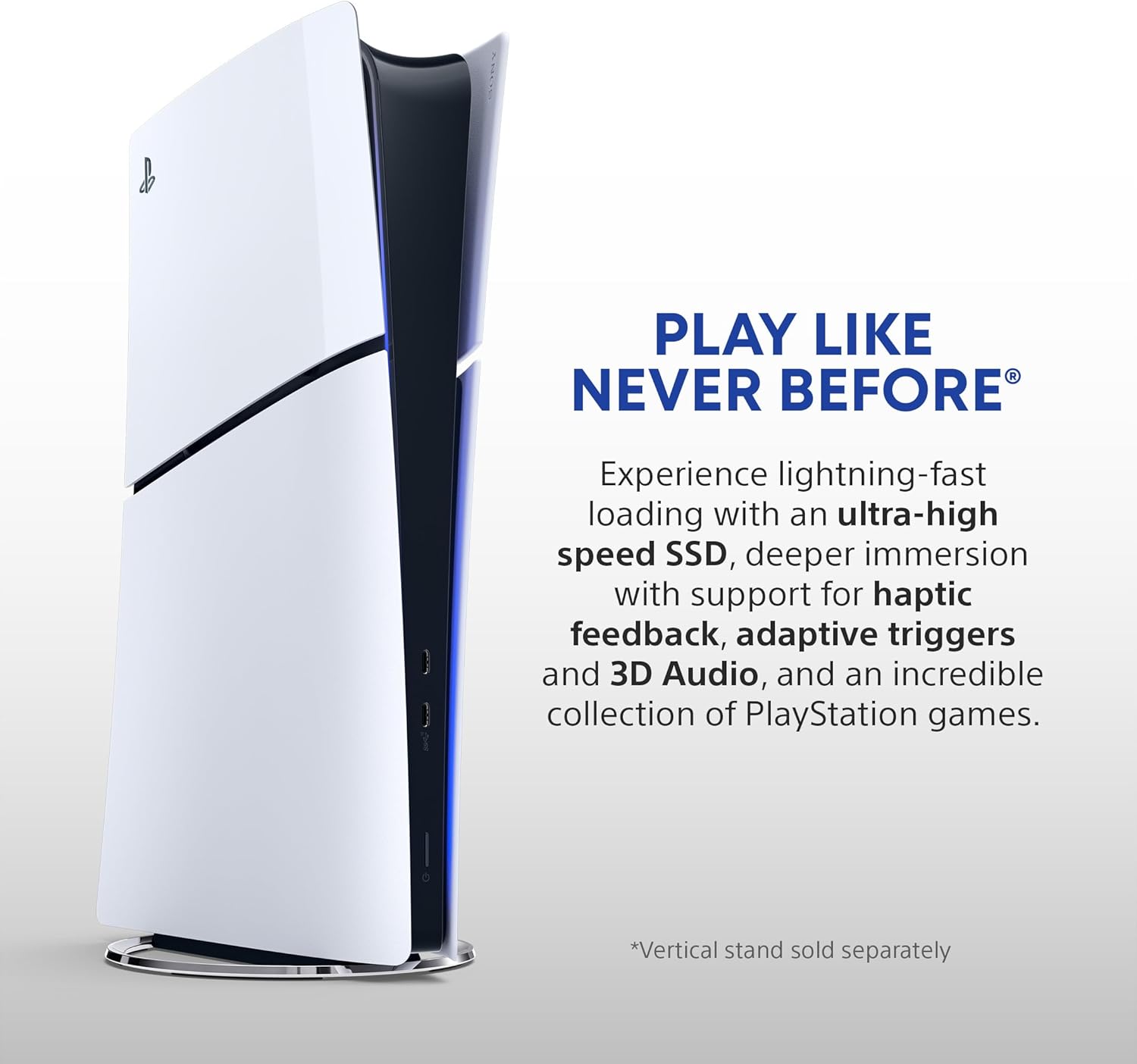
For players who like slim hardware, it is worth reading a dedicated guide to top slim gaming consoles before you buy anything. These slimmer consoles often use the same SSD technology but pack it into a smaller black or white chassis that fits neatly under a television or on a narrow shelf. When you read any expert review, pay attention to how reviewers describe fan noise, heat, and battery life for portable systems, because SSDs can still generate heat under sustained gaming loads.
Nintendo’s approach with the Nintendo Switch and Switch Lite focuses on lighter games and lower power chips, which reduces heat and extends battery life during portable play. While these consoles do not match the performance of an Xbox Series console, they compensate with exclusive Nintendo games and flexible play styles. For many families, that combination of approachable games and compact storage options makes the Switch consoles the best gaming choice despite their lower specifications.
Storage capacity, SSD speed, and real world performance
When you compare the best gaming consoles with SSD storage, capacity numbers only tell part of the story. A 1 terabyte SSD in a gaming console sounds generous, yet modern games can easily consume 80 to 150 gigabytes each according to typical install sizes reported by major publishers.[6] That means you may only keep a handful of large games installed before you must delete or move something.
Speed matters just as much as capacity, because SSD performance directly affects load times and streaming. The custom SSDs inside Xbox Series consoles and PlayStation 5 can move several gigabytes per second, which allows developers to design worlds with fewer loading screens and more seamless transitions. Features such as Quick Resume on Xbox rely on this speed, writing game states to storage quickly so you can jump between games with minimal waiting.
External storage options complicate the picture, especially when you buy a best cheap expansion drive. Many consoles support USB hard drives for older games, but only certified SSD expansion cards or high speed internal drives can run the latest titles at full performance. Before you invest in extra storage, read the console manufacturer’s guidance carefully and look for an expert review that measures real world load times with different drives.
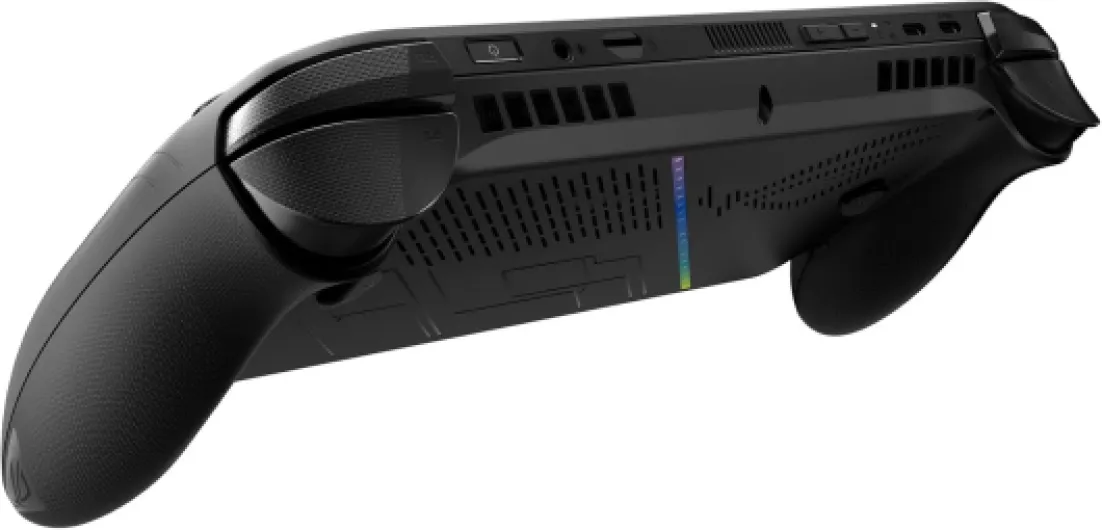
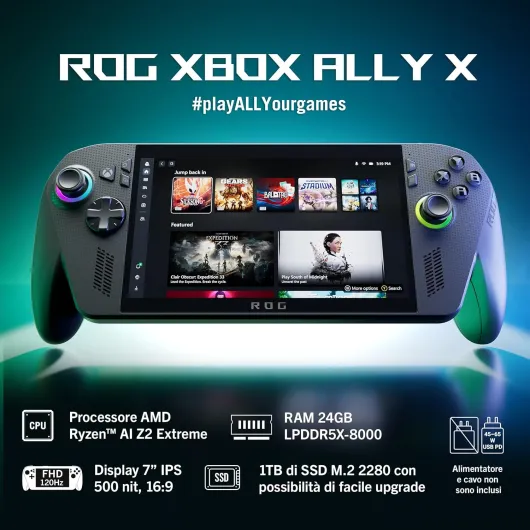
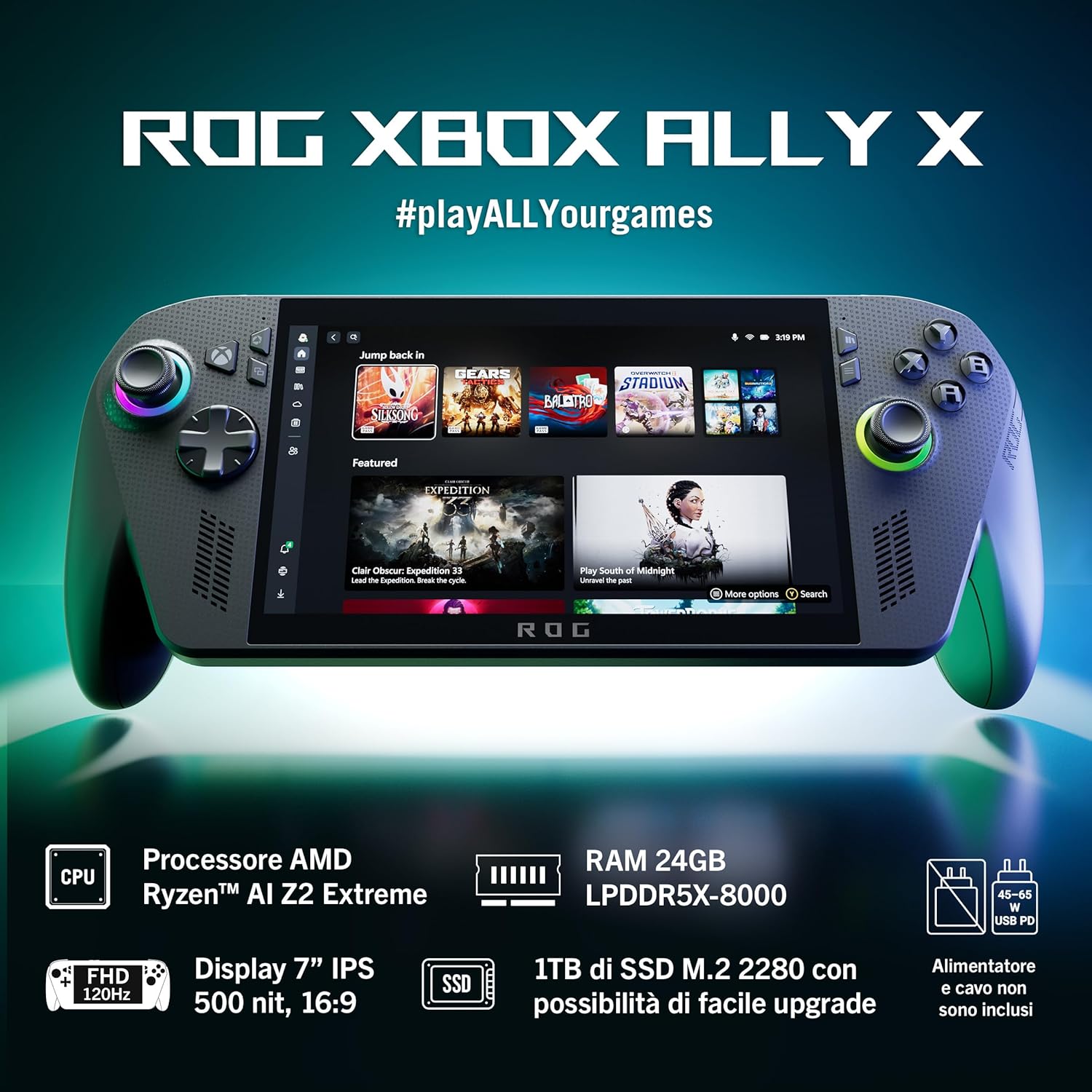
History shows how far the industry has come, and a comprehensive guide to the evolution of gaming consoles highlights the shift from cartridges to optical discs and now to SSDs. Portable systems such as the Steam Deck and Steam Deck OLED use NVMe SSDs similar to laptops, which helps them keep pace with modern PC games despite their compact size. Whether you play on a living room console or a handheld, SSD storage now underpins the best gaming experiences by reducing friction every time you launch a game.
Controllers, ecosystems, and reasons to avoid the wrong console
Raw performance and SSD storage define the best gaming consoles with SSD storage, but controllers and ecosystems shape your daily experience. Microsoft’s Xbox Wireless Controller remains a reference design, with a comfortable shape and reliable wireless controller connectivity across consoles and PCs. Sony and Nintendo offer their own distinctive controllers, yet many players still buy an Xbox Wireless Controller for cross platform play.
When you choose a gaming console, think about the ecosystem that comes with it, including subscription services and digital stores. Xbox Game Pass on Xbox Series consoles, often simply called Game Pass, offers a large catalog of Xbox games and PC titles for a monthly fee, which can be excellent value if you play many different games. Nintendo Switch Online and PlayStation Plus follow similar ideas, but each service has its own library, cloud features, and pricing structure that you should read about before committing.
There are also clear reasons to avoid certain consoles or configurations, even when they use SSD storage. A best cheap model with very limited internal storage may force you into constant file management, especially if you enjoy large open world games. Some players also regret buying a digital only console when they later find physical game discs on sale more often than expected.
Handheld devices such as the Steam Deck and Steam Deck OLED introduce other trade offs, including shorter battery life when you play demanding PC games at high settings. If you mostly play at home, a traditional black home console with a stable power supply and wired network connection may still be the better choice. The key is to match the strengths of each console, controller, and ecosystem to your own habits rather than chasing specifications alone.
Portability, ergonomics, and everyday gaming comfort
Comfort often decides which of the best gaming consoles with SSD storage you actually use every day. A powerful console that feels awkward in your space or a handheld that strains your wrists will quickly lose its appeal. That is why ergonomics, noise levels, and even the color of a black or white console matter more than spec sheets suggest.
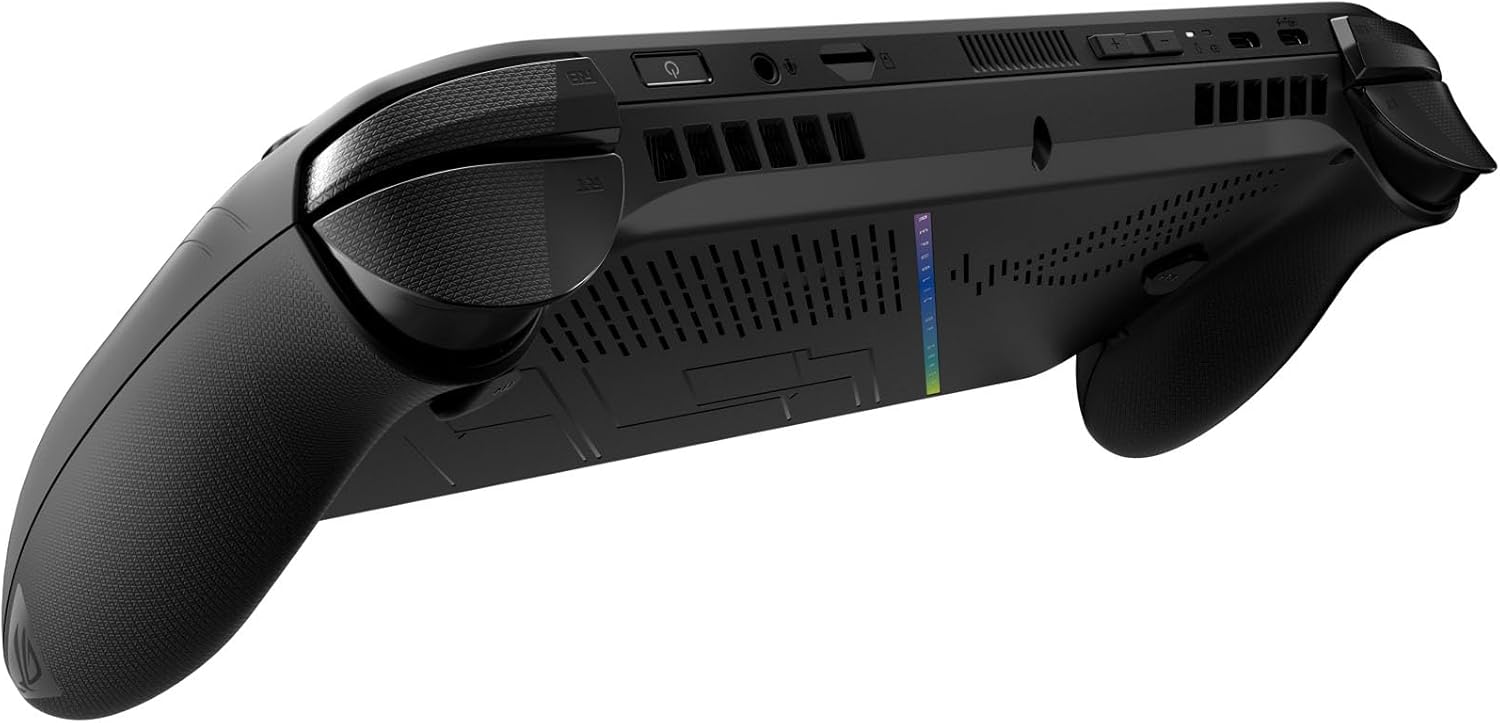
Handheld systems such as the Nintendo Switch, Switch Lite, Steam Deck, and Steam Deck OLED prioritize portability, but each makes different compromises. The original Nintendo Switch offers detachable controllers and docked play, while the smaller Switch Lite trades that flexibility for a lighter body that suits younger players or commuters. Valve’s Steam Deck models are heavier yet provide full PC style gaming, so you must balance battery life, weight, and performance when you buy one.
Home consoles shift the comfort question toward living room layout and accessories such as the controller and headset. A responsive wireless controller with low latency can make fast paced games feel more precise, especially when paired with a high refresh rate television. For competitive players, pairing a console with a fast keyboard such as the Huntsman V3 Pro Mini, reviewed in depth in this esports gaming keyboard analysis, can further refine control in supported games.
Portability also affects how you manage storage and updates on these consoles. A handheld gaming console that spends much of its time away from a fast home network may struggle to download large games or patches, even with SSD storage ready to go. Thinking through where you will play, how often you travel, and how you charge your devices will help you avoid daily frustrations that no benchmark chart can show.
How to read reviews and make a confident buying decision
Once you narrow your list of the best gaming consoles with SSD storage, the final step is to interpret reviews correctly. Many readers skim for a single review best verdict, but the most useful insights often sit in the details about storage, heat, and long term reliability. You should read multiple expert review articles and user impressions to see consistent patterns rather than relying on one opinion.
Pay close attention to how reviewers measure load times, Quick Resume behavior on Xbox Series consoles, and battery life on portable systems. A console that boots a game in ten seconds instead of thirty may not sound transformative, yet over hundreds of sessions that time saving adds up significantly. Look for comments about how many games fit comfortably on the internal SSD before performance or management becomes a problem.
Visual documentation also matters, especially when you care about design and build quality. When a review includes an image credit for each photo, you can better judge whether the console’s black finish, port layout, and controller shape suit your setup. Cross checking these impressions with retailer return policies and warranty terms will further reduce the risk of buyer’s remorse.
Finally, remember that the best gaming console for you may not be the most powerful or the newest. A discounted Xbox Series S with Xbox Game Pass might deliver more value than a flagship console if you mainly play indie games and older titles. By weighing storage needs, ecosystem costs, and your own play style, you can buy a console that feels like a long term fit rather than a short lived impulse purchase.
Key statistics on SSD based gaming consoles
- Modern flagship consoles typically ship with 512 gigabytes to 1 terabyte of SSD storage, which allows most players to keep between 6 and 12 large games installed at once, depending on average game size reported by major publishers.[6]
- Independent testing from multiple hardware labs shows that SSD based consoles can reduce game load times by 50 to 80 percent compared with previous generation hard drive systems, which significantly changes how often players switch between games.[1]
- Surveys from industry analysts indicate that more than half of console buyers now consider storage capacity and SSD speed as primary purchase factors, ranking them alongside price and exclusive games.[7]
- Battery life measurements on handheld gaming devices such as the Steam Deck range from roughly 2 to 8 hours depending on game intensity and brightness, which highlights the trade off between portable performance and endurance.[4]
- Subscription services such as Xbox Game Pass and similar offerings on other platforms have reached tens of millions of users worldwide, reinforcing the importance of fast SSD storage to handle frequent game downloads and updates.[5]
SSD storage comparison: major consoles at a glance
| Console |
Advertised SSD size |
Approx. usable space |
Peak bandwidth (raw) |
Typical load time (large game) |
| Xbox Series X |
1 TB |
~802 GB |
~2.4 GB/s |
10–20 seconds |
| Xbox Series S |
512 GB |
~364 GB |
~2.4 GB/s |
10–25 seconds |
| PlayStation 5 |
825 GB |
~667 GB |
Up to 5.5 GB/s |
10–15 seconds |
| Nintendo Switch / Lite |
32–64 GB flash |
~25–50 GB |
Lower, eMMC based |
20–40 seconds |
| Steam Deck / OLED |
256–1 TB NVMe |
Varies by model |
~2.5–3.5 GB/s |
15–30 seconds |
Which SSD based console should you buy?
For a 4K TV player who wants the sharpest image and the fastest load times, an Xbox Series X or PlayStation 5 is the most balanced choice; pick based on exclusive games and controller preference. If you are a portable or commuter focused player, a Nintendo Switch or Steam Deck offers flexible play on the go, with SSD or flash storage keeping wait times manageable. Budget buyers who still want the benefits of solid state storage should look at Xbox Series S or discounted Switch bundles, accepting lower resolutions in exchange for a lower price and a modern, responsive experience.
Sources
- [1] Digital Foundry, Eurogamer – Xbox Series X/S storage analysis and load time comparisons.
- [2] Sony Interactive Entertainment – Official PlayStation 5 SSD specifications.
- [3] Multiple cross platform game benchmarks comparing PS5 and last generation consoles.
- [4] Valve and third party testing – Steam Deck NVMe performance and battery life ranges.
- [5] Microsoft financial reports and industry coverage – Xbox Game Pass subscriber figures.
- [6] Publisher install size disclosures for recent AAA games on current generation consoles.
- [7] Industry analyst surveys on console buyer priorities, including storage and performance.