Summary
Editor's rating
Value for money: good deal if you accept the trade‑offs
Compact, clean design… with a plastic feel
Controller and power: good, but the AA batteries are old school
Build quality and long‑term feel
Performance: fast loads and smooth gameplay, with a few limits
What you actually get with this Series S 1TB
Pros
- Compact and quiet console with fast load times and Quick Resume
- 1TB SSD makes digital-only use much more practical than the 512GB model
- Good performance for 1080p/1440p gaming and strong value when combined with Game Pass
Cons
- Digital-only: no disc support, so physical game collections are useless here
- Lower resolution and visual fidelity than Series X/PS5 on a 4K screen
- Controller still relies on AA batteries unless you buy extra rechargeable options

Specifications
View full product page →| Brand | Xbox |
A small box that can actually keep up
I’ve been using this Xbox Series S 1TB as my main console in the living room for a few weeks now, and I went into it with pretty low expectations. I already knew the Series X and PS5 are stronger on paper, so I treated this more like a secondary machine or a budget option. In practice, it ended up handling way more than I expected, especially for a small all-digital box. It’s not perfect, but it’s far from a toy.
The first thing that hit me was how quick it boots and loads games. I’m used to older consoles where you start the thing, go grab a drink, and come back. Here, games like Fortnite, Forza and a couple of Game Pass titles launch in seconds. Quick Resume actually works: I could bounce between two or three games without fully reloading them each time. It sounds like a gimmick on paper, but when you use it daily, you get used to it fast.
That said, you have to be clear on what this is: it’s a digital-only console, so if you have a bunch of physical discs lying around, they’re useless here. Also, it targets up to 1440p most of the time, not native 4K like the Series X. If you’re super picky about image sharpness and you sit close to a big 4K TV, you’ll notice it. If you’re a bit more casual or you don’t care about pixel counting, it’s absolutely fine.
Overall, my feeling after several weeks is this: it’s a pretty solid little box for the price, especially with the 1TB storage finally making sense for a digital console. It shines if you’re into Game Pass and don’t need disc support or the absolute best graphics. If you’re a graphics snob or you already have a big physical game library, you’ll probably bump into its limits pretty fast.
Value for money: good deal if you accept the trade‑offs
From a value point of view, the Series S 1TB sits in a pretty interesting spot. It’s clearly cheaper than a Series X or PS5, and you feel that in the specs, but not as much in the actual day-to-day gaming experience if you’re on a 1080p or 1440p screen. The thing I liked is that for a relatively low entry price, you get fast load times, access to current-gen games, and the whole Game Pass ecosystem. If you’re not obsessed with having the top-tier hardware, it covers a lot of ground.
Where the real cost creeps in is the digital-only nature and Game Pass. To fully enjoy it, you basically end up paying for Xbox Game Pass Ultimate or at least regular Game Pass. That subscription adds up over time. On the other hand, for a flat monthly fee you get access to a big library and day-one releases like new Call of Duty, The Outer Worlds 2, and others. For someone who doesn’t want to buy full-price games all the time, that’s actually decent value. But if you prefer owning physical copies or hunting for used games, this console doesn’t fit that style at all.
Compared to the older 512GB Series S, the 1TB SSD alone makes this version make more sense. With the smaller drive, you quickly hit storage limits and either have to buy an expansion card (which isn’t cheap) or constantly uninstall games. Here, you still might want extra storage eventually, but for many people 1TB is enough to keep a good rotation of titles without feeling cramped every week.
So in short: good value for money if you’re okay with digital games, subscriptions, and slightly lower resolution. If you want discs, top graphics, and no ongoing subscription, then you’re better off saving up for a Series X or going with a different setup. For my use (second console and Game Pass box), the price-to-fun ratio is actually pretty solid.
Compact, clean design… with a plastic feel
Physically, the Series S is small and light. Compared to a PS5 or Series X, it looks almost like a toy, but in a good way: it fits easily in a TV stand without having to rearrange everything. I’ve got it lying horizontally and it slides into a pretty tight shelf with room for ventilation. If you live in a smaller place or want something for a bedroom or office, the compact size is a real plus. It also weighs a lot less than the bigger consoles, so moving it between rooms is no big deal.
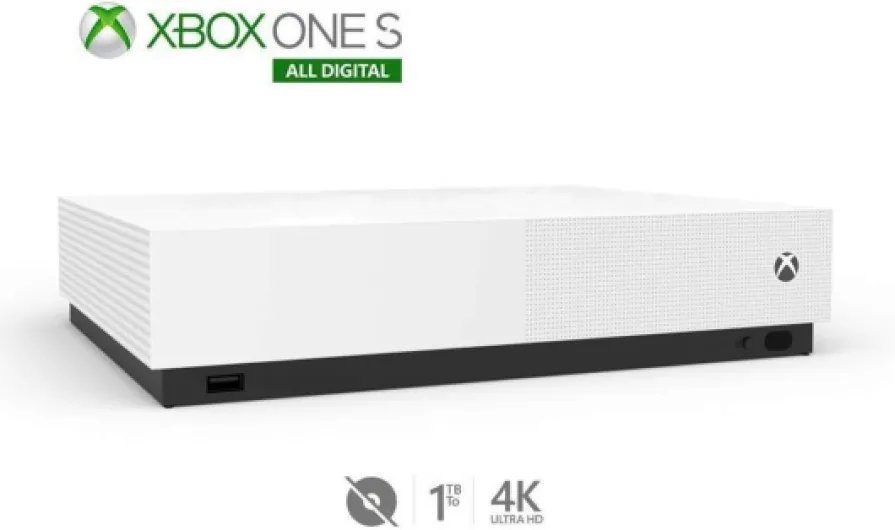
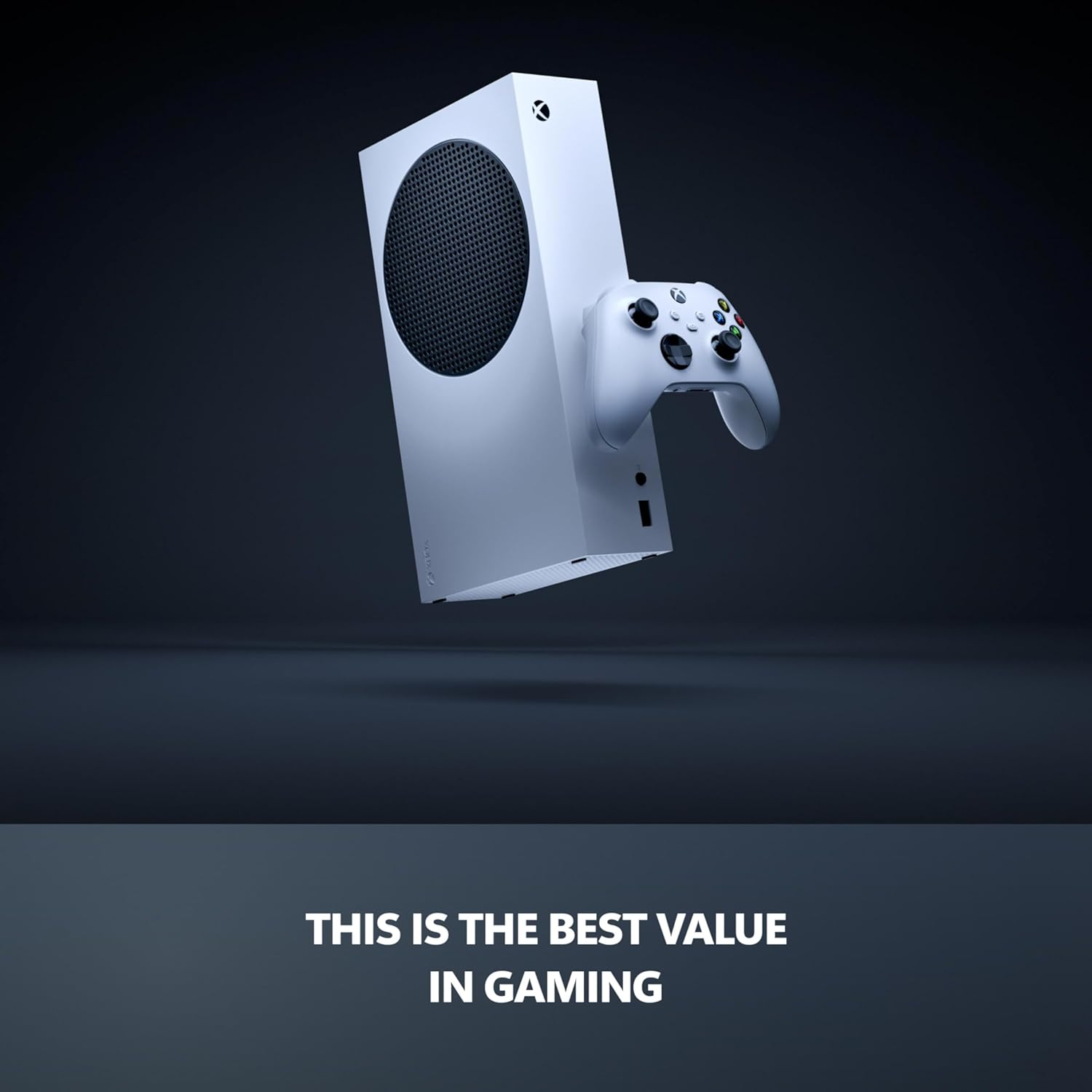
The look is simple: white plastic box, black circular vent on the side, green accents only on the Xbox logo. It’s clean but also very "console-ish"—nothing fancy, nothing premium. The plastic doesn’t feel cheap exactly, but it doesn’t scream high-end either. Compared to the Series X, which has a more solid block feel, this one feels more like a lightweight gadget. If you’re the type who cares about materials and metal finishes, this won’t impress you. If you just want something that doesn’t look ugly under the TV, it’s fine.
In day-to-day use, I appreciated how quiet it is. Even during longer sessions on Fortnite and Forza, the fan noise stayed very low. No jet engine sound like with some older consoles. The vent on the side gets warm but not scary hot. I just made sure it had some space around it and didn’t cram it into a fully closed cabinet. If you block the vents, I can see it getting hotter, but that’s true for any console.
The only thing that bothered me a bit is the white color. It looks nice when new, but it will show dust and dirt faster, especially around the vent holes. After a couple of weeks, I already had to wipe it down once. Also, if you’re clumsy with drinks or snacks near the TV, white isn’t very forgiving. Overall, design-wise it’s practical and low-key, but don’t expect a premium object you’ll admire every time you walk into the room. It’s just a clean little box that does its job.
Controller and power: good, but the AA batteries are old school
The console itself plugs in like any other, nothing special there. It doesn’t seem to draw crazy power, and I didn’t notice any big heat issues even during multi-hour sessions. It goes into standby quickly when not in use, and waking it up is fast, so in daily life it feels pretty efficient. I didn’t measure exact power consumption, but compared to my old PS4, it definitely runs cooler and quieter in the same TV cabinet.
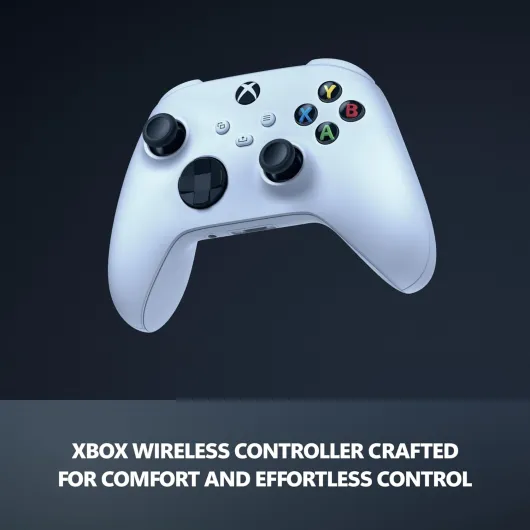
The real "battery" topic here is the controller. Out of the box, you get a standard Xbox Wireless Controller and two AA batteries. It works fine, the controller is comfortable, and the wireless connection is stable. With basic use, I got roughly a couple of weeks out of the included AA batteries before they started dropping. Obviously, this will vary depending on how much you play and whether you use vibration a lot. But yeah, it does the job.
Where I’m less happy is the whole AA battery approach. In 2024, having to either keep buying AA batteries or pay extra for a rechargeable pack feels a bit outdated. My PS5 controller charges via USB-C and I’m used to just plugging it in. With the Xbox controller, you either buy a rechargeable battery kit, use rechargeable AAs, or keep a stock of disposable ones. Personally, I ended up using my own rechargeable AAs, which solves the problem but adds extra cost and a bit of hassle.
So, in practice: battery life on the controller is decent, wireless works fine, and the console power management is okay. But if you don’t already own rechargeable batteries, expect to spend a bit more to avoid constantly buying new AAs. It’s not a deal-breaker, just annoying that this isn’t handled more cleanly out of the box with a built-in rechargeable battery like many other modern devices.
Build quality and long‑term feel
I haven’t owned this specific 1TB model for a year yet, but I’ve used the regular Series S before and the build is basically the same. The plastic shell feels solid enough, no creaks when you move it, and the buttons and ports don’t feel loose. I’ve moved it between rooms several times, tossed it in a backpack once to take it to a friend’s place, and it handled that just fine. At around 6–7 pounds, it’s light but not flimsy.
The vents and fan are the parts I paid attention to. Dust is the enemy of all consoles, and the big black vent on the side/top will collect it over time. After a couple of weeks, I already saw some dust buildup and wiped it off. It’s not a big job, but if you’re lazy with cleaning, that’s something to keep in mind. On the positive side, even with a bit of dust, the console stayed quiet and didn’t overheat, so the cooling system seems decent for the power it’s pushing.
The controller is pretty robust too. I’ve dropped it on the floor a couple of times (wooden floor, nothing crazy) and it survived without any rattling or drift so far. Xbox controllers have a fairly good reputation for durability, and this one feels in line with that. The sticks are firm, buttons are responsive, and the texture on the back helps with grip. Over a longer period, stick drift can always appear, but that’s true for almost all controllers on the market right now.
Overall, I’d say durability feels solid but not premium. The console doesn’t feel like it’s going to fall apart, but the all-plastic build and white color mean you’ll want to treat it with basic care: don’t cram it into a hot, closed cabinet, don’t stack heavy stuff on it, and clean the vents once in a while. If you do that, I don’t see any obvious durability red flags based on my use and on what I’ve seen from the earlier Series S units.
Performance: fast loads and smooth gameplay, with a few limits
In terms of raw performance, the Series S 1TB surprised me. I mostly play at 1080p on a 60 Hz TV in the bedroom, and in that setup the console handles things very well. Games like Fortnite, Rocket League, Forza, and a couple of shooters ran smoothly, and I didn’t notice big frame drops. Microsoft advertises up to 120 FPS, and you do get those modes in some games if your TV supports it. On my main TV (120 Hz), I tried a few titles with performance modes, and the smoothness is clearly better than 60 FPS, especially in shooters.
The SSD speed is the main thing you feel. Compared to my old Xbox One, loading screens are way shorter. For example, booting into a match in Fortnite or loading a save in a story game takes seconds rather than long waits. Quick Resume is also more useful than I expected: I could pause a single-player game, jump into a quick multiplayer match in another game, then go straight back to where I was. It’s not perfect (some games restart anyway, especially online ones), but when it works, it saves time.
Now, the trade-offs. This console often runs games at lower resolution than the Series X or PS5, and sometimes you can see it. If you sit close to a big 4K screen, you’ll notice softer edges and less crisp detail. Text in menus can look a bit less sharp in some games. Also, some titles choose between better graphics or better performance, and on the Series S they tend to cut resolution or effects to keep the frame rate stable. If you’re already used to high-end PC or Series X visuals, this will feel like a step down.
For my use, performance is more than good enough, but I’m not chasing the highest settings. If you care more about smooth gameplay, quick loads, and not hearing a loud fan, the Series S does the job well. If you obsess over 4K textures and maximum graphic options, you’ll probably be frustrated sooner or later and should just go for a Series X or a gaming PC instead.
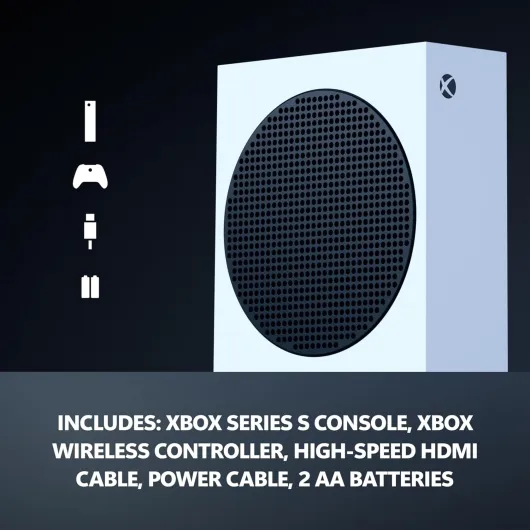
What you actually get with this Series S 1TB
Out of the box, it’s very straightforward: you get the white Xbox Series S console, one white wireless controller, a high-speed HDMI cable, the power cable, and two AA batteries for the controller. No fancy extras, no bundled game code in my case, just the basics to start playing. That matches the price point, but don’t expect any surprise goodies. Setup is simple: plug in HDMI and power, connect to Wi‑Fi, sign into a Microsoft account, and you’re basically ready.
This version is the 1TB SSD model, and that’s a big deal. I’ve used the older 512GB version before and it was honestly annoying. With modern game sizes, you fill 512GB in no time. Here, with 1TB, I managed to keep around 10–12 mid/large games installed (stuff like Call of Duty, Halo, Forza, plus some indies) before getting storage warnings. It’s still not huge, but it’s far more comfortable than the half‑terabyte model. If you download a lot of Game Pass games, you’ll still end up doing some rotation, but it’s manageable.
Since it’s all-digital, every game I play on it is either from Game Pass or bought on the Xbox store. That’s convenient if you’re used to digital libraries and cloud saves. For example, I installed Minecraft, Fortnite, and a couple of story games, and I could jump between them easily without swapping discs. On the flip side, I have a small pile of old Xbox One discs that are now basically decoration for this console. Backward compatibility only helps if you own those games digitally.
Overall, the package is simple but functional: console, one controller, cables, and that’s it. What I liked is that there’s no weird setup headache, and the 1TB finally makes sense for a digital console. On the downside, you’ll probably end up paying for Xbox Game Pass Ultimate to really enjoy it, and that’s a recurring cost you need to factor into the real price of using this machine.
Pros
- Compact and quiet console with fast load times and Quick Resume
- 1TB SSD makes digital-only use much more practical than the 512GB model
- Good performance for 1080p/1440p gaming and strong value when combined with Game Pass
Cons
- Digital-only: no disc support, so physical game collections are useless here
- Lower resolution and visual fidelity than Series X/PS5 on a 4K screen
- Controller still relies on AA batteries unless you buy extra rechargeable options
Conclusion
Editor's rating
After spending a decent amount of time with the Xbox Series S 1TB, my takeaway is pretty straightforward: it’s a compact, capable console that makes sense if you’re aiming for current-gen games without paying top-tier prices. The performance is good enough for most people, load times are quick, and the 1TB SSD finally makes the all-digital concept less annoying. Paired with Game Pass, you get a lot of different games to jump into without buying each one separately.
It’s not without downsides though. Being digital-only means any disc collection you own is useless here, and you’re basically pushed toward subscriptions and digital purchases. The graphics are clearly a step below a Series X or PS5 on a 4K screen, and the controller still using AA batteries feels dated unless you invest in rechargeables or a battery pack. The plastic build and white color are fine but nothing special, and you’ll want to clean the vents from time to time.
I’d say this console is for: people who play mostly at 1080p or 1440p, don’t care about discs, like the idea of Game Pass, or want a second console for another room or for the kids. It’s also good if you’re on a budget but still want a modern console that can run the latest games decently. You should probably skip it if you’re very picky about graphics, already own a big library of physical Xbox games, or hate the idea of ongoing subscriptions. In those cases, stretching for a Series X or looking at a different platform will make more sense in the long run.