Summary
Editor's rating
Value for money vs Fire TV and other Android sticks
Chunky stick, decent remote, nothing fancy
Day-to-day use: simple enough for non-techy people
Build, heat, and how it behaves when you move it around
4K streaming and daily use: mostly smooth, with occasional pauses
What you actually get and what it can (and can’t) do
Pros
- Simple setup with Google TV and Chromecast built-in, easy for non-technical users
- 4K, HDR10+, Dolby Vision and Wi‑Fi 6 provide stable, good-quality streaming
- 32 GB storage gives plenty of room for multiple streaming apps and a few extras
Cons
- Only 2 GB RAM, so not ideal for heavy gaming or lots of apps running at once
- Stick is relatively long and can block nearby HDMI ports on some TVs

Specifications
View full product page →| Brand | Strong |
Turns an old TV into something actually usable
I’ve been using the STRONG LEAP-NOVAUK Streaming TV Stick for a bit now on a fairly old 4K TV that has a horrible built-in smart system. The kind that takes 30 seconds just to open YouTube and randomly freezes when you switch apps. I wanted something cheap, simple, and not tied into one ecosystem like Fire TV, and this stick basically ticks those boxes.
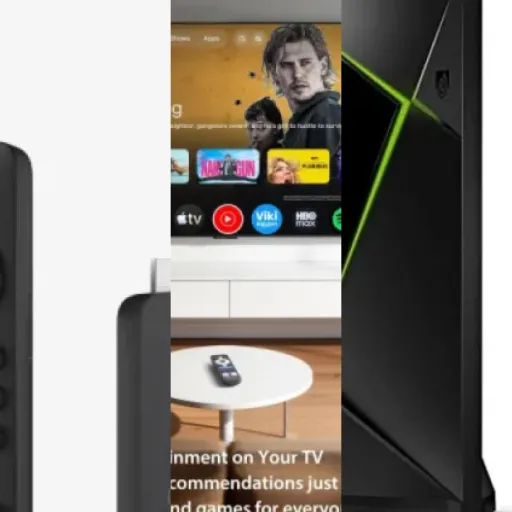
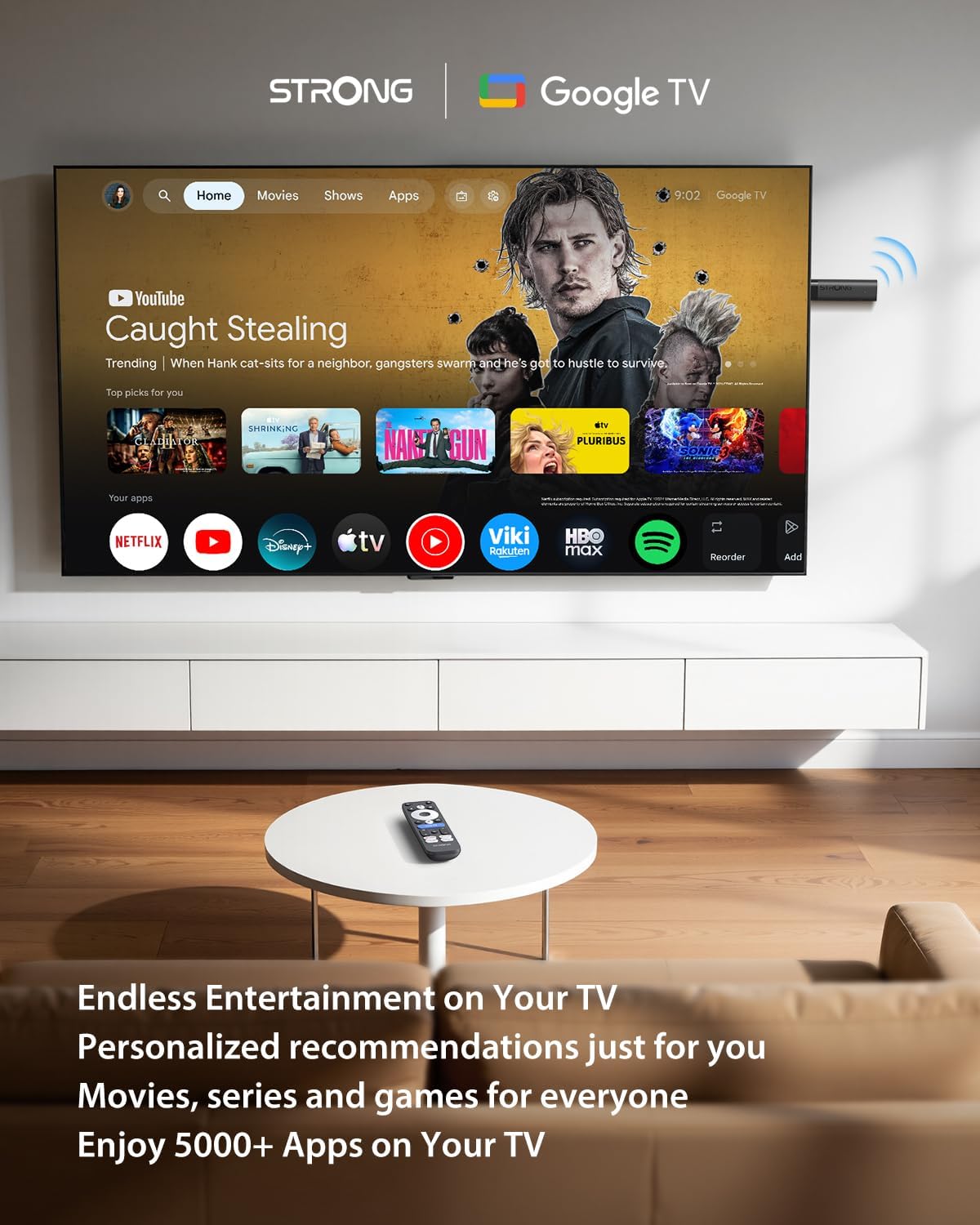
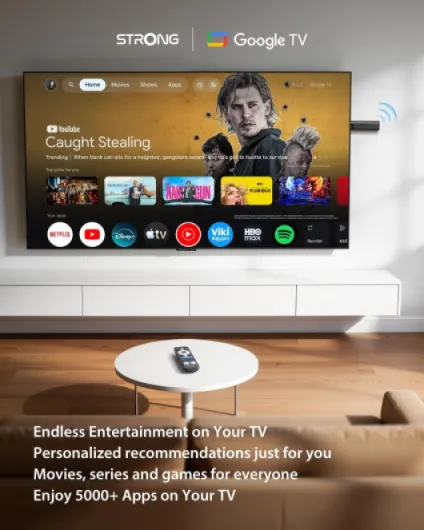
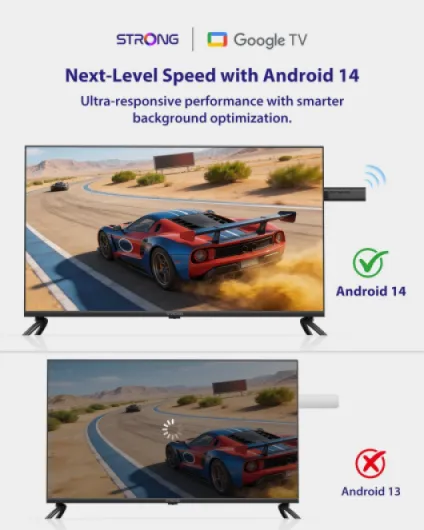
In practice, it’s a small HDMI stick that runs Google TV (Android 14), so it feels like a normal Android phone interface but adapted to a TV. You get the usual apps: Netflix, Prime Video, YouTube, Disney+, plus whatever you want from the Play Store. I didn’t have to mess with hacks to install apps, which I appreciate compared to some Fire TV models that are getting more restrictive.
The main thing I noticed after a few evenings is that the whole TV suddenly feels less “old”. Menus respond faster, switching from YouTube to Netflix is smooth, and the 4K streams look clean as long as the internet is decent. It’s not instant like a high-end box, but for a stick in this price range, it’s pretty solid.
It’s not perfect: the stick is a bit long, the remote looks basic, and you can feel that the hardware is mid-range when you open several apps in a row. But overall, for turning a dumb or half-dead smart TV into something usable again, it gets the job done without drama. That’s basically what I wanted.
Value for money vs Fire TV and other Android sticks
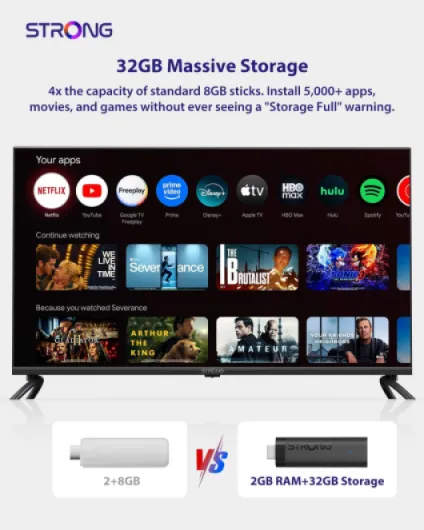
On value, this stick sits in a nice spot. It’s usually cheaper or similar in price to mid-range Fire TV sticks, but you get a few things that matter in real life: 32 GB of storage instead of the usual 8 GB on many competitors, Wi‑Fi 6, and a fairly clean Google TV experience without weird limitations on installing apps. If you like to try different streaming services or a few extra apps, the extra storage alone is worth it. I installed Netflix, Prime, Disney+, YouTube, some local TV apps, a VPN app, and a couple of small games, and I still had room left.
Compared to some generic Android TV boxes from unknown brands, this one feels more polished. The interface is more stable, the remote is better, and having proper certification for the main streaming apps (Netflix, etc.) is important. Some cheap boxes claim 4K but then only do 720p on Netflix because they’re not certified. Here, the 4K actually works like it should. That saves you the usual hassle of returning a sketchy box after a week.
Where it’s less attractive is if you already have a fairly recent smart TV with good apps and a fast interface. In that case, the gain is smaller. It still might be interesting if you want Google TV specifically or Chromecast built-in, but it’s not going to magically make a recent high-end TV much better. It shines more on older or low-end TVs whose smart features are slow or outdated.
Overall, for the price bracket it’s in, I’d say the price-to-features ratio is good: 4K, HDR10+, Dolby Vision, Dolby Audio, Wi‑Fi 6, 32 GB, Google TV, Chromecast, and a 2-year warranty. You can find cheaper sticks, but they usually cut corners on storage, Wi‑Fi, or app support. You can also find better-performing boxes, but you’ll pay quite a bit more. For most people who just want to revive an old TV and watch streaming in good quality without headaches, the deal is solid.
Chunky stick, decent remote, nothing fancy
Design-wise, it’s pretty straightforward. The stick itself is black, plastic, and a bit longer than some other TV sticks I’ve used. It’s not huge, but it’s not the most compact either. If your TV is wall-mounted with the HDMI ports facing the wall, you might struggle to plug it in directly. In that case, you’ll probably want to use an HDMI extension (sometimes included, sometimes not, depends on the bundle). Once it’s plugged in, it just sits behind the TV and you forget about it.
The plastic doesn’t feel premium, but it doesn’t feel cheap either. It’s in that middle ground: light, a bit basic, but solid enough that I’m not worried about it breaking when I unplug it and throw it in a backpack to take it to a friend’s house. It doesn’t get crazy hot either. It gets warm after a couple of hours of 4K streaming, but not to the point where I’m worried about it cooking itself.
The remote is actually one of the better parts. It’s not metal or anything fancy, but the layout makes sense. You’ve got volume, navigation, back, home, and a dedicated Google Assistant button. There are direct buttons for big services (like Netflix and YouTube, depending on the region), which I ended up using more than I expected. The click feel is okay: not high-end, not mushy. Just normal. It uses two AAA batteries, and they were included in my box, which is nice. Pairing with the stick was guided on screen and took maybe 30 seconds.
Only real annoyance: because the stick is a bit long and slightly bulky, on one of my TVs I had to rearrange cables, since it was blocking the neighboring HDMI port. Not the end of the world, but if you already use all your HDMI ports, keep that in mind. Overall, the design is practical, not pretty. It’s meant to disappear behind the TV, and it does exactly that.
Day-to-day use: simple enough for non-techy people
On the comfort and usability side, this stick is actually one of the easiest I’ve set up and handed over to family members. I installed it on the living room TV, and after a day I moved it to a bedroom TV. In both cases, setup was straightforward: language, Wi‑Fi, Google account, a few permissions, and you’re in. There’s an option to scan a QR code with your phone to speed things up, which worked fine for me and avoided typing long passwords with the remote.
The Google TV interface is simple enough for non-technical people. My partner, who hates complicated menus, got used to it quickly. The home screen shows a mix of apps and recommended content from different platforms. You don’t have to jump into each app to find something to watch; you can just scroll and pick. Sometimes the recommendations are a bit off, but over a few days they start to match what you actually watch.
Another thing I liked: Chromecast is built in and just works. When friends come over, they can cast YouTube from their phones without touching my accounts, which avoids the usual “what’s your password?” conversation. I’ve also used it to mirror my laptop screen for a quick presentation and to show holiday photos. There’s a slight delay, but for casual stuff it’s fine.
In daily use, I rarely had to reboot the stick. It wakes up fast from standby, and the remote turns both the TV and the stick on and off, thanks to HDMI-CEC (if your TV supports it). That means one remote for most things, which is always nice. Only minor gripe: if you install too many apps, the interface can get a bit cluttered, and you’ll want to spend a few minutes organizing the home screen. But once that’s done, it’s pretty comfortable to live with, even for kids or older relatives.
Build, heat, and how it behaves when you move it around
On durability, I obviously haven’t used it for years, but I did treat it like something I actually own, not like a museum piece. I unplugged it several times, moved it between TVs, tossed it into a backpack without the original box, and it’s still fine. The casing doesn’t creak, the HDMI connector still feels tight, and the remote hasn’t developed any weird rattles or sticky buttons.
Heat-wise, I ran a few evenings of continuous 4K streaming (3–4 hours straight) and then touched the stick. It was warm, but not burning. That’s important because some cheap Android boxes get so hot they start lagging or rebooting. Here, I didn’t have random restarts or warning messages. So far, it feels stable. The Wi‑Fi 6 connection also stayed solid; I didn’t see random drops that you sometimes get with low-quality hardware.
The remote has taken a couple of small drops from the sofa to a tiled floor and survived without marks. The included batteries are generic, but they’re still going strong after regular use. The printing on the buttons hasn’t faded yet. It’s basic plastic, but it holds up. There’s also a silicone protective shell in some bundles (as seen in one of the user reviews); if you get that version, it adds a bit more grip and protection, which is handy with kids.
The product comes with a 2-year warranty, which is reassuring for this type of gear. Overall, nothing about it feels fragile or like it will fall apart in six months. It’s not premium, but for something that spends its life hidden behind a TV, the build quality is more than acceptable. If you plan to travel with it (hotel rooms, dorms, holiday houses), it’s compact and light enough that I don’t see durability being a serious issue as long as you don’t bend the HDMI connector like crazy.
4K streaming and daily use: mostly smooth, with occasional pauses
In terms of performance, for a 2 GB RAM stick, it does a good job. I watched Netflix and Prime in 4K HDR, YouTube in 4K60, and some local IPTV. Most of the time, navigation in the menus is smooth: scrolling through the home screen, switching between apps, and using voice search all feel responsive. There are moments, usually right after boot or when several apps are in memory, where it stutters for a second, but it’s brief and not a big deal for normal use.
Streaming quality is solid. With Wi‑Fi 6, the connection is stable. I’m in an apartment building with a lot of networks around, and on the 5 GHz band I didn’t have buffering issues at 4K as long as my internet line itself was fine. I tried a football game in 4K and a couple of live streams; latency and stuttering were minimal. This is clearly better than the old built-in Wi‑Fi on my TV, which struggled with the same content in the same room.
Voice control with Google Assistant works well. I used it to search for movies, open apps, and control volume. “Play The Office on Netflix” or “open YouTube” worked reliably. The only time it struggled was with some less common titles or names, but that’s pretty standard. It’s just faster than typing with the directional pad, so I ended up using it a lot more than I thought I would.
For gaming, it’s okay for light Android games or cloud gaming if your connection is strong, but don’t expect miracles. The quad-core chip and 2 GB RAM are clearly tuned for streaming, not for heavy 3D games. I tried a few casual games from the Play Store; they run fine, but loading times are longer than on a mid-range phone. If your main goal is Netflix, YouTube, Disney+ and maybe a couple of simple games for kids, the performance is good. If you want a mini console, look elsewhere.
What you actually get and what it can (and can’t) do
So, what is this thing exactly? The STRONG LEAP-NOVAUK is a Google TV stick with 4K UHD support (3840 x 2160), Dolby Vision, HDR10+, Dolby Audio, Wi‑Fi 6, Bluetooth 5.2, HDMI 2.1, 2 GB RAM and 32 GB storage. That’s the spec sheet. In real life, it means it handles 4K streams from Netflix/Prime/YouTube without choking, as long as your TV and your internet are up to it. I tested it on a 4K TV and on an older Full HD TV: on both, picture quality is clean, and HDR content looks clearly better than on my TV’s built-in apps.
The OS is Google TV based on Android 14, which is a big plus if you already use Android on your phone. Setup is simple: plug it into HDMI, power it via USB (either from the TV’s USB port or the wall adapter), follow the on-screen instructions, sign in with a Google account, and you’re done in 10–15 minutes. The stick remembers your Google account and Wi‑Fi, so when I moved it to another TV in the bedroom, I didn’t have to redo everything.
One of the main selling points is the Chromecast built-in. In practice, this works well: I sent YouTube videos, photos from Google Photos, and some random websites from my laptop’s Chrome browser to the TV without any issue. There’s a tiny delay but it’s perfectly usable for casual use, and it’s much more practical than messing with cables or USB keys when family comes over and wants to show photos.
On the downside, it’s still a stick with 2 GB of RAM, so don’t expect console-level gaming. Light Android games are fine, but if you install too many heavy apps, you’ll start to feel it. The 32 GB storage is nice compared to some competitors that only have 8 GB, but after system files and a bunch of streaming apps, you still don’t want to treat it like a full Android tablet. For streaming and a few extra apps, it’s more than enough. For heavy gamers, it’s not the right tool.
Pros
- Simple setup with Google TV and Chromecast built-in, easy for non-technical users
- 4K, HDR10+, Dolby Vision and Wi‑Fi 6 provide stable, good-quality streaming
- 32 GB storage gives plenty of room for multiple streaming apps and a few extras
Cons
- Only 2 GB RAM, so not ideal for heavy gaming or lots of apps running at once
- Stick is relatively long and can block nearby HDMI ports on some TVs
Conclusion
Editor's rating
The STRONG LEAP-NOVAUK Streaming TV Stick does exactly what it’s supposed to do: it turns an old or sluggish TV into a usable 4K streaming machine with a minimum of hassle. Setup is simple, the Google TV interface is easy to live with, and the combination of 4K, HDR10+, Dolby Vision, and Wi‑Fi 6 delivers stable, good-looking streams as long as your connection and TV can keep up. The extra 32 GB of storage is a real plus compared to many competitors that feel cramped after a few apps.
It’s not perfect. The hardware is clearly mid-range: 2 GB of RAM means occasional small pauses when you bounce between several apps, and it’s not a device for serious gaming. The stick is a bit bulky and may need an HDMI extension on tight setups. But for normal use — Netflix, Prime, Disney+, YouTube, some casting from your phone, maybe a few light games — it holds up well and stays stable. If you want a practical, no-nonsense way to revive a non-smart TV or bypass a slow built-in smart system, this is a good option. If you already have a recent, fast smart TV or if you’re looking for a powerful Android console, you can probably skip it and look higher up the range.