
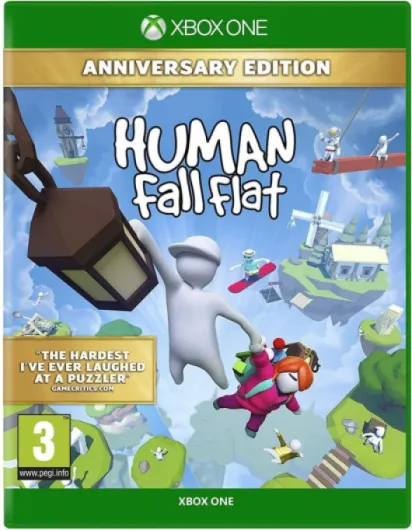

Understanding cross platform gaming
What is Cross Platform Gaming?
Cross platform gaming, often called crossplay, is a feature that lets players on different devices or consoles join the same multiplayer game together. For example, someone playing on an Xbox Series console could connect and play with friends using a PlayStation, Nintendo Switch, or even a PC via Steam. This approach breaks down the traditional barriers between platforms, making it easier for friends to play together, no matter which device they own.
Why Crossplay Matters for Players
For many gamers, cross platform play is a game changer. It means you don't have to worry about which console your friends have—whether it's Xbox, PlayStation, Nintendo Switch, or even mobile. You can all enjoy the same game, like Human Fall Flat, together. This is especially important for multiplayer games, where a larger pool of players leads to faster matchmaking and more active communities.
- Crossplay humanizes the gaming experience, making it more inclusive.
- It increases the value of your game purchase, since you can play with more people.
- Games supporting cross platform play, such as Human Fall Flat, often have longer lifespans and more regular updates.
How Cross Platform Play Works
Cross platform play is possible thanks to online services and game updates that connect different ecosystems. For example, Xbox players can join matches with PlayStation players, or Nintendo Switch users can team up with friends on Steam. Some games require you to link accounts or use a special in-game friend system to invite players from other platforms. Others, like those available through Game Pass or the Microsoft Store, may have built-in support for crossplay.
It's important to note that not every game or platform supports crossplay. Some titles, or specific versions, may have limitations. If you're interested in how subscription services like PlayStation Plus impact multiplayer and cross platform features, you can learn more in this guide to PlayStation Plus benefits.

Overview of Human Fall Flat
What Makes Human Fall Flat Unique?
Human Fall Flat is a quirky, physics-based puzzle and platform game that has captured the attention of players across various platforms. Its charm lies in the open-ended puzzles, slapstick humor, and the unpredictable movements of the human-like characters. Whether you play Human Fall Flat solo or in multiplayer mode, the experience is designed to be accessible and entertaining for all ages.
Available Platforms and Versions
The game is widely available, making it easy for players to join in regardless of their preferred device. You can find Human Fall Flat on:
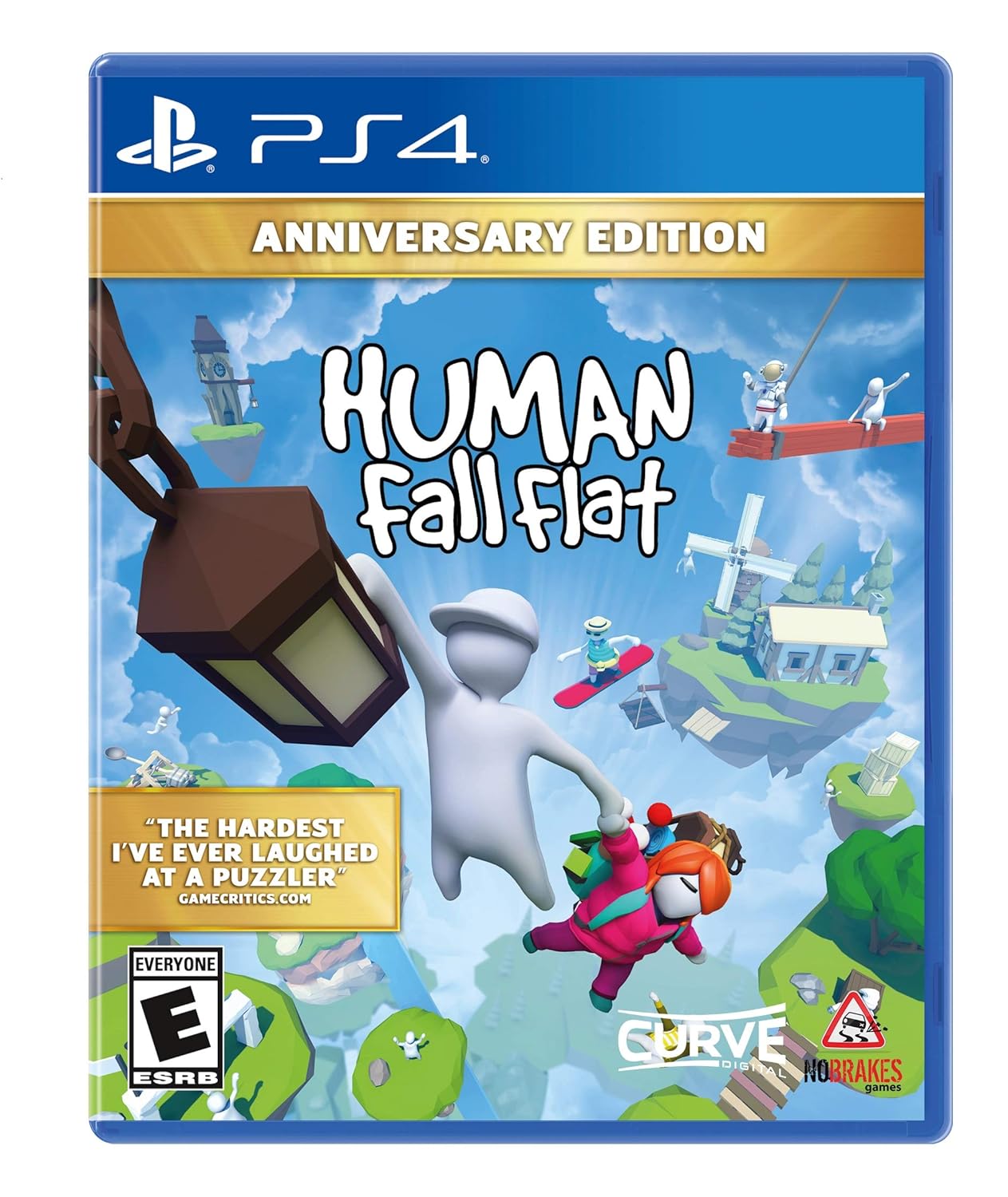
- Consoles: PlayStation 4, PlayStation 5, Xbox One, Xbox Series X|S, and Nintendo Switch
- PC: Steam, Microsoft Store, and Game Pass
- Mobile: iOS and Android devices
This broad platform support means you can play Human Fall Flat on almost any modern gaming system. The game is also frequently updated, with new levels and features that keep the experience fresh for both new and returning players.
Multiplayer and Crossplay Features
One of the standout features of Human Fall Flat is its multiplayer mode. Players can team up online to solve puzzles together, adding a layer of chaos and fun. The game supports up to eight players in online multiplayer, depending on the platform. While the core experience remains consistent, there are some differences in how multiplayer and crossplay work across platforms. For those interested in platform crossplay, understanding the specific support for Xbox, PlayStation, Nintendo Switch, and PC is important, as not all versions offer the same level of cross platform play.
For PlayStation users, exploring the benefits of online services like PlayStation Plus can enhance the multiplayer experience, offering access to online play and other perks.
Where to Get Human Fall Flat
Human Fall Flat is available through various digital stores, including the PlayStation Store, Microsoft Store, Nintendo eShop, and Steam. It is also included in some subscription services like Game Pass, making it easy for Xbox players to access the game. Mobile versions can be found on the App Store and Google Play.
Is Human Fall Flat cross platform on consoles?
Which consoles support crossplay in Human Fall Flat?
When it comes to cross platform play in Human Fall Flat, the situation can be a bit confusing for players who want to enjoy the game with friends on different platforms. The multiplayer feature is a big part of the fun, but not all versions of the game offer the same crossplay support.
- Xbox Series X|S and Xbox One: These Xbox players can play together, and there is crossplay between these two generations. If you own the game via Game Pass or the Microsoft Store, you can join friends on either Xbox console.
- PlayStation 4 and PlayStation 5: PlayStation players can play with each other across these two generations. However, there is no official crossplay between PlayStation and Xbox or other platforms.
- Nintendo Switch: The Nintendo Switch version supports multiplayer, but it does not currently support cross platform play with Xbox, PlayStation, or PC.
- Steam and Windows PC: Players on Steam and the Microsoft Store (Windows 10/11) can play together. This is one of the few examples of cross platform crossplay in Human Fall Flat.
- Mobile: The mobile version of Human Fall Flat is separate and does not support crossplay with consoles or PC.
In summary, Human Fall Flat offers limited platform crossplay. Xbox and PC (Microsoft Store) players can connect, and PlayStation users can play across generations, but there is no official support for crossplay between Xbox, PlayStation, Nintendo Switch, or mobile platforms. This means if you want to play Human Fall Flat with friends, you need to make sure everyone is on a compatible platform.
For those interested in exploring more ways to enjoy gaming with friends, check out this guide on board games for video game enthusiasts.
How to set up crossplay in Human Fall Flat
Getting Started with Crossplay in Human Fall Flat
Setting up crossplay in Human Fall Flat is a straightforward process, but it’s important to know which platforms support this feature. The game is available on several platforms, including Xbox Series, PlayStation, Nintendo Switch, Steam (PC), Microsoft Store (PC), and mobile devices. However, not all versions of the game support cross platform play between every system.
- Xbox and PlayStation: Currently, crossplay is supported between Xbox One, Xbox Series X|S, and PlayStation 4 and PlayStation 5. This means xbox players can join games with playstation players and vice versa.
- PC (Steam and Microsoft Store): PC versions purchased through Steam or the Microsoft Store can play together, but they do not support crossplay with consoles or mobile.
- Nintendo Switch and Mobile: At this time, Nintendo Switch and mobile versions do not support cross platform multiplayer with other platforms.
To enable crossplay on supported platforms, follow these steps:
- Ensure your game is updated to the latest version. Updates often include improvements to cross platform features and bug fixes.
- Sign in to your respective network account, such as Xbox Live or PlayStation Network. For PC, log in to your Steam or Microsoft Store account.
- From the main menu, select the multiplayer option. Look for the crossplay or "invite friends" feature.
- Invite friends by searching for their username or using the in-game invite system. Make sure your friends are on a platform that supports crossplay with yours.
- Once everyone has joined, start your Human Fall Flat session and enjoy multiplayer fun across platforms!
Keep in mind that crossplay support may vary depending on updates and regional restrictions. Always check the official Human Fall Flat support page or your platform’s store for the latest information about cross platform compatibility.
Challenges and limitations of cross platform play
Common Obstacles When Playing Across Platforms
While Human Fall Flat offers multiplayer fun on many devices, cross platform play is not always seamless. Players on Xbox, PlayStation, Nintendo Switch, Steam, and mobile often face a few hurdles when trying to connect with friends on different platforms. Here are some of the main challenges:
- Limited Crossplay Support: Not all versions of Human Fall Flat support crossplay. For example, Xbox Series and PlayStation players cannot always join the same game session. Nintendo Switch and mobile users also have their own multiplayer environments, which can limit who you can play with.
- Platform Restrictions: Each platform—like Xbox, PlayStation, or Steam—has its own network and account systems. These differences can make it tough to link up with friends who bought the game from a different store, such as Microsoft Store or Nintendo eShop.
- Game Updates and Versions: Sometimes, updates roll out at different times on each platform. If your game version is not the same as your friends', you might not be able to join their session until everyone updates.
- Performance Differences: Human Fall Flat can run differently on various consoles and devices. For example, Xbox Series consoles might load levels faster than Nintendo Switch or mobile, which can affect the multiplayer experience.
- Communication Barriers: In-game chat and friend systems are often platform-specific. Xbox players may not be able to send invites to PlayStation players, and vice versa, making coordination harder.
What to Expect When Trying Platform Crossplay
Even with these challenges, many players still enjoy Human Fall Flat with friends on the same platform. However, if you want to play cross platform, be prepared for some limitations. Not all features are available everywhere, and you may need to check if your version supports crossplay human multiplayer before inviting friends from other platforms. Always make sure your game is updated and check the official support channels for the latest information on cross play compatibility.
Tips for a better cross platform experience
Making the Most of Crossplay in Human Fall Flat
Playing Human Fall Flat with friends across different platforms like Xbox, PlayStation, Nintendo Switch, and even mobile or Steam can be a lot of fun, but it’s not always smooth sailing. Here are some practical tips to help you get the best multiplayer experience, no matter which platform you’re on.- Check platform compatibility: Not every version of Human Fall Flat supports crossplay. Make sure your game version and platform (Xbox Series, PlayStation, Nintendo Switch, Steam, or mobile) support cross platform play before inviting friends from other systems.
- Update your game: Developers often release updates to improve crossplay support. Always keep your game updated on your console or device, whether you’re playing via Microsoft Store, Game Pass, or another platform.
- Use stable internet: Cross platform multiplayer relies on a strong connection. Wired connections or reliable Wi-Fi can help reduce lag and disconnects, especially when Xbox players join PlayStation or Switch users.
- Coordinate with friends: Communication is key. Use in-game chat or external apps to coordinate sessions, especially if you’re mixing Xbox, PlayStation, and Nintendo Switch players in one lobby.
- Understand platform limitations: Some platforms may have restrictions on crossplay features. For example, certain multiplayer modes or custom levels might not be available on all consoles or mobile devices.
- Check store compatibility: If you’re buying add-ons or DLC, make sure they’re available and compatible with your platform. Content purchased on Steam or the Microsoft Store may not transfer to PlayStation or Nintendo Switch versions.
- Be patient with matchmaking: Cross platform matchmaking can take longer, especially if you’re searching for players across Xbox, PlayStation, and Switch. Expanding your search region or playing at peak times can help.
Improving Your Multiplayer Sessions
- Customize controls: Each platform (Xbox Series, PlayStation, Switch, mobile) has different controller layouts. Adjust your settings for the best comfort and performance.
- Stay informed: Follow official Human Fall Flat channels for updates on crossplay support and new features. Developers often announce changes that impact platform crossplay.
- Report issues: If you encounter bugs or problems with crossplay human sessions, report them through the game’s support channels. This helps improve the experience for all players.