

Understanding the benefits of renting a PlayStation 5
Why Renting a PlayStation 5 Makes Sense for Gamers
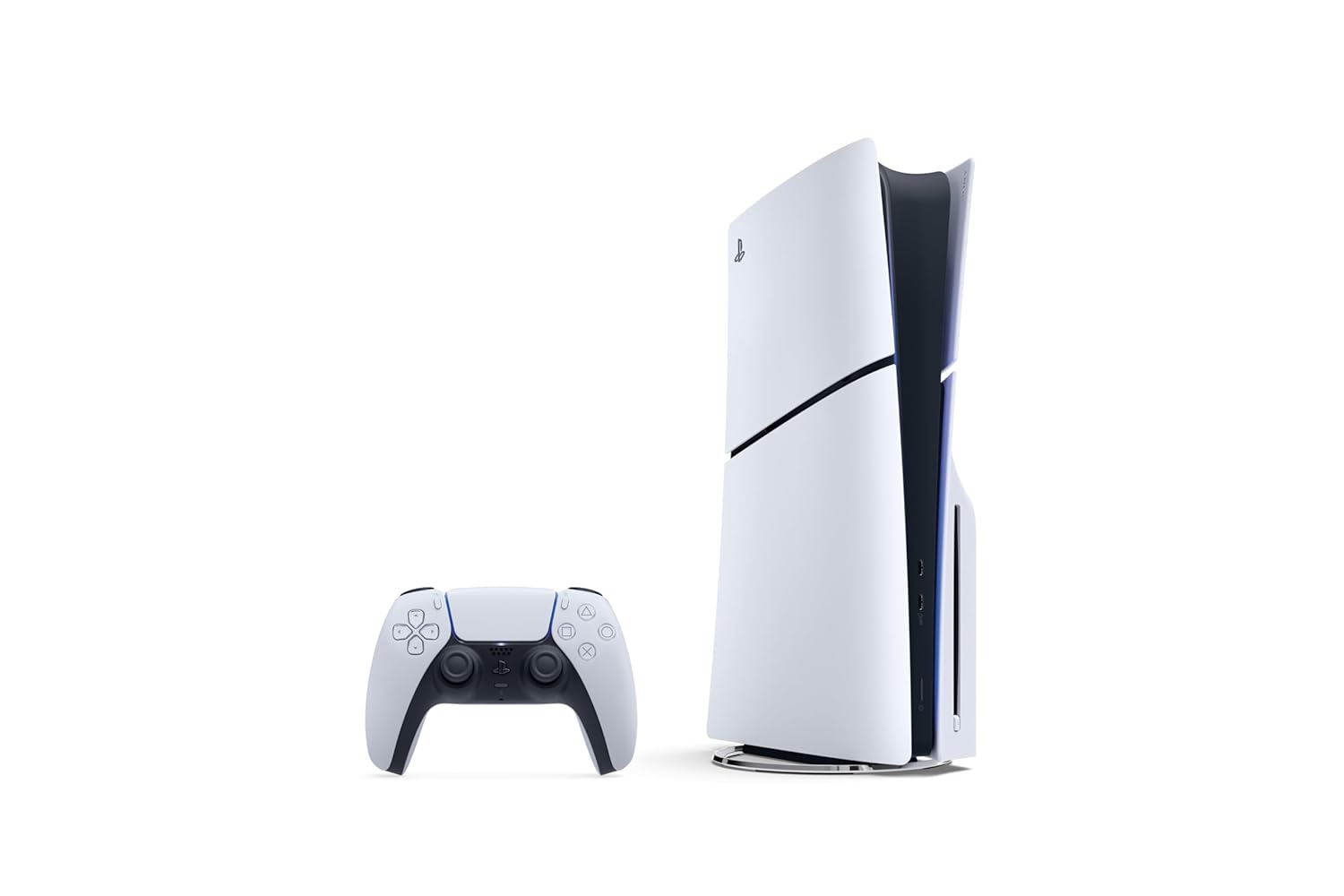
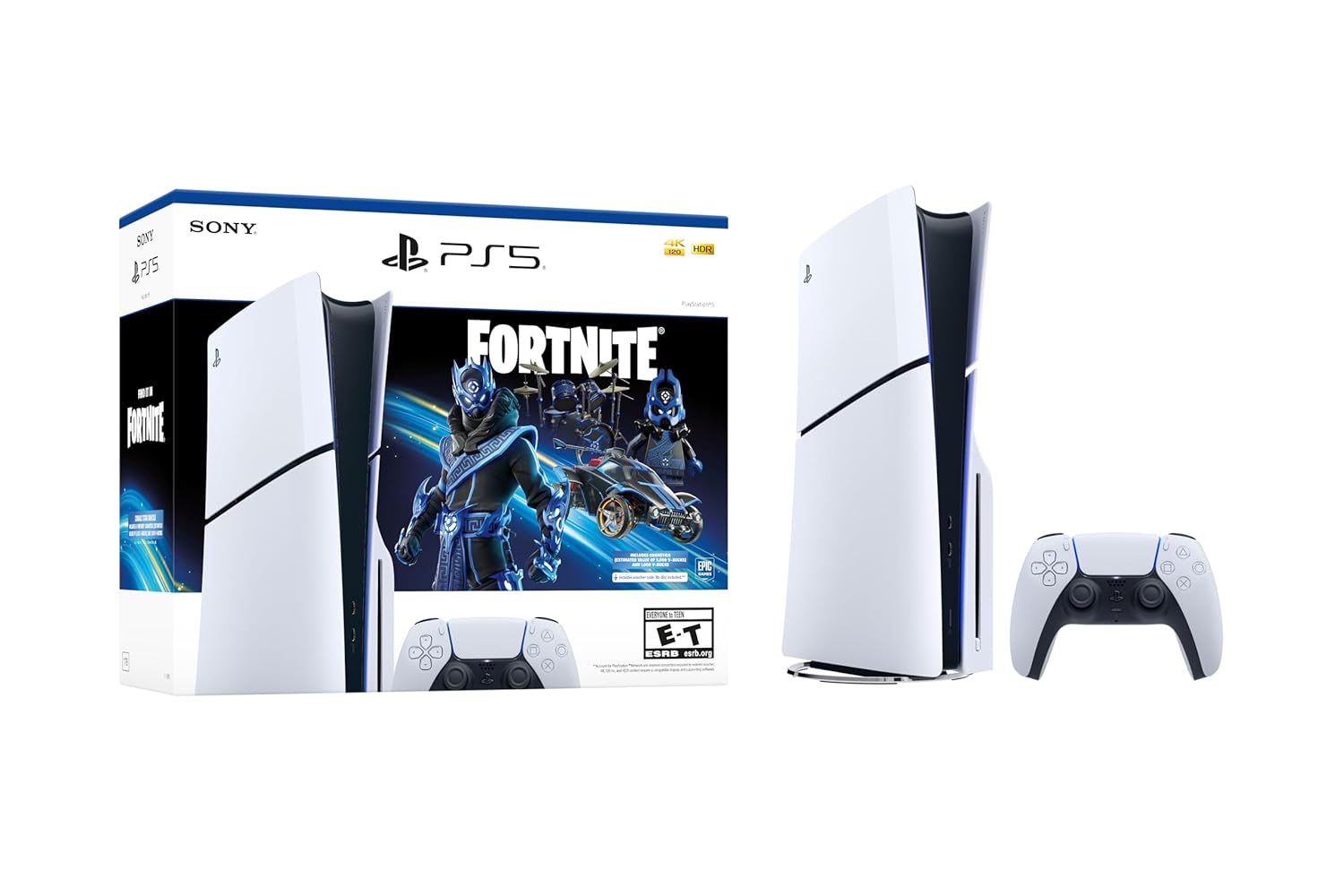
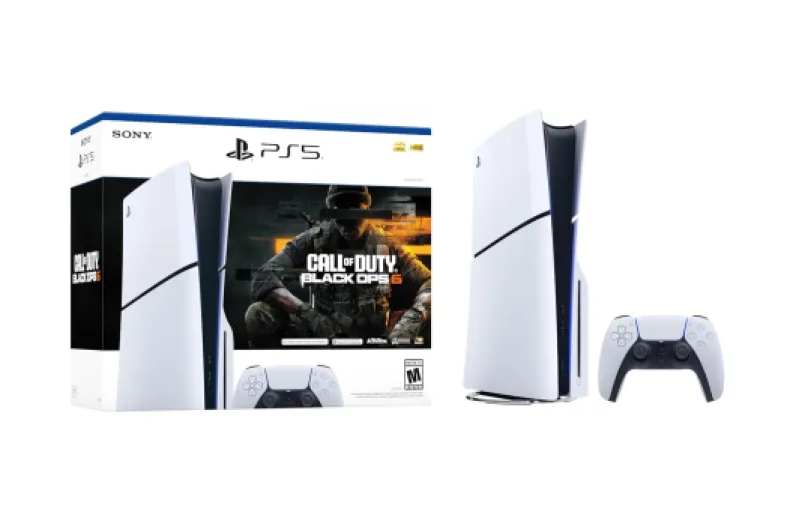
For many gaming enthusiasts, getting their hands on the latest Sony PlayStation console can be challenging due to high demand, price, or limited availability. Renting a PlayStation 5 offers a practical solution, letting you experience next-gen gaming systems without the full upfront cost. Whether you want to try the PlayStation 5 for a few weeks, a month, or even longer, rental services provide flexible payment plans that fit different budgets and needs.
- Access to the latest games and features: Renting lets you play new releases and exclusive titles without waiting for price drops or restocks. Enjoy advanced features like haptic feedback and adaptive triggers that enhance gameplay.
- Flexible payment options: Many rental shops offer weekly or monthly payment plans, making it easier to manage your budget. You can choose between weekly, monthly, or even longer-term rentals, depending on your gaming habits.
- Try before you buy: Unsure if the PlayStation 5 or PlayStation Slim is right for you? Renting gives you a chance to test the system, explore the PlayStation Portal or remote player features, and see if it fits your gaming style before making a big investment.
- Free delivery and easy returns: Most rental services include free delivery and hassle-free returns, so you can focus on gaming instead of logistics.
- Stay updated with the latest products: Renting keeps you in the loop with new gaming systems, accessories, and even limited edition consoles as they become available.
With so many benefits, renting a PlayStation 5 is becoming a popular choice for gamers who want flexibility, access, and affordability. For those interested in exploring more about gaming systems and their unique features, check out this in-depth look at Tomb Raider Underworld and its impact on gaming consoles.

How to choose a reliable PlayStation 5 rental service
Key factors to evaluate in a PlayStation 5 rental service
When you decide to rent a PlayStation 5, finding a trustworthy rental shop or online provider is crucial. Not all services offer the same level of reliability, product quality, or customer support. Here are some important points to consider:- Product authenticity and condition: Make sure the PlayStation console you rent is a genuine Sony PlayStation 5 system, not a refurbished or outdated model. Ask about the condition of the gaming system, whether it’s a standard or slim console, and if it includes the latest features like haptic feedback and adaptive triggers.
- Rental plans and flexibility: Look for rental services that offer flexible payment options. Some shops provide weekly or monthly payment plans, while others may allow you to rent gaming systems for just a few weeks or a full month. Flexible payment plans can help you manage your budget and avoid long-term commitments.
- Included products and accessories: Check if the rental includes essential accessories such as controllers, cables, and the PlayStation Portal remote player. Some services may offer bundles with extra games or a PlayStation Portal for remote play, enhancing your gaming experience.
- Delivery and return process: Reliable providers offer free delivery and easy returns. Confirm if the shop delivers to your area and what their delivery times are. Free delivery can save you extra costs and hassle.
- Customer support and reviews: Read customer reviews and ratings to gauge the service’s reputation. Responsive customer support is important in case you encounter issues with the gaming system or need help with payment plans.
- Payment security: Ensure the rental service offers secure payment options. Look for clear information about payment methods, whether you prefer to pay weekly, monthly, or via a flexible payment plan.
What to expect in the rental process
Step-by-step: From reservation to delivery
Renting a PlayStation 5 is a straightforward process, but knowing what to expect can help you avoid surprises and get the most out of your gaming system. Here’s how the typical rental process unfolds:- Browse and select: Start by visiting a shop or online platform that offers PlayStation console rentals. Look for options like the PlayStation 5, PlayStation Slim, or even bundles with the PlayStation Portal remote player. Many shops let you filter products by weekly or monthly payment plans, so you can find a flexible payment option that fits your budget.
- Choose your plan: Decide between weekly, monthly, or multi-week rental periods. Some services offer free delivery or discounts for longer commitments. Compare price weekly and monthly to see which payment plan works best for you.
- Confirm availability: Before you rent gaming systems, check if your preferred console or slim console is in stock. Popular systems like the Sony PlayStation 5 can be in high demand, especially during peak gaming seasons.
- Place your order: Once you’ve selected your gaming system and payment plan, you’ll need to provide basic details and choose your delivery option. Many services offer free delivery, making it easy to get your PlayStation console at home without extra cost.
- Make your payment: Most rental shops accept various payment options, including credit cards and flexible payment plans. Some even allow you to pay weekly or monthly, depending on your preference.
- Receive your system: After payment, your PlayStation 5 or PlayStation Slim will be shipped to your address. Delivery times can vary, but most shops aim for quick turnaround so you can start gaming as soon as possible.
- Set up and play: Once your console arrives, set it up and explore the latest games. Take advantage of features like haptic feedback and adaptive triggers for a next-level gaming experience. If you’re interested in classic platforming, check out this guide to 3D Sonic the Hedgehog on 3DS for some retro inspiration.
What’s included and what to check
- Most rental packages include the PlayStation console, at least one controller, power cables, and sometimes a few free games or trial subscriptions. Some shops also offer the PlayStation Portal remote player for added flexibility.
- Always inspect the system upon arrival. Make sure all products are present and the gaming system is in good working order. If you notice any issues, contact the rental service immediately.
Understanding your responsibilities
- You’re expected to keep the console and accessories in good condition during your rental period. Damage or loss may result in extra charges, so handle the system with care.
- At the end of your rental, follow the shop’s instructions for returning the PlayStation. Many services provide prepaid shipping labels for easy returns.
Comparing rental plans and pricing
Understanding Rental Plans and Pricing Structures
When you decide to rent a PlayStation 5, it’s important to compare the different rental plans and pricing options available. Rental services often offer a range of choices, from weekly to monthly payment plans, so you can find the best fit for your gaming needs and budget.
- Weekly vs. Monthly Payments: Some shops let you pay weekly, while others offer monthly payment options. Weekly plans can be more flexible if you only need the console for a short period, but monthly payment plans often provide better value if you plan to rent gaming systems for several weeks or a full month.
- Flexible Payment Options: Look for rental services that offer flexible payment plans. This can include the ability to pause your rental, switch to a different PlayStation console, or upgrade to a PlayStation Slim or the latest Sony PlayStation system as your needs change.
- Free Delivery and Returns: Many reputable rental shops include free delivery and return shipping as part of their service. This can save you money and make the process more convenient, especially if you’re renting a larger gaming system or multiple products.
- Included Accessories and Games: Some plans bundle in extra controllers, the PlayStation Portal remote player, or a selection of games. Check if the rental includes features like haptic feedback and adaptive triggers, which are unique to the latest PlayStation consoles.
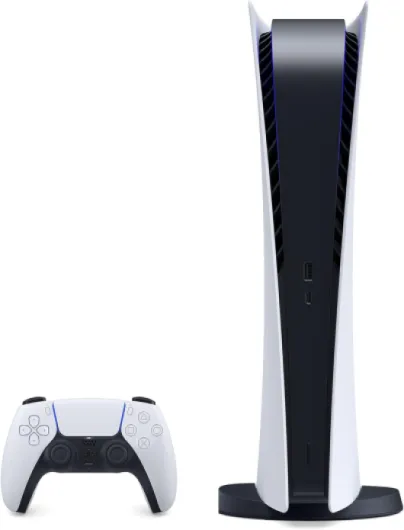
- System Condition and Model: Confirm whether you’re getting a standard or slim console, and whether the system is new or refurbished. This can affect both the price and your overall gaming experience.
Comparing Value Across Rental Services
Not all rental shops offer the same products or pricing. Some may have exclusive deals on Sony PlayStation systems, while others focus on flexible payment plans or free delivery. Take time to compare the price weekly and monthly, as well as what’s included in each plan. Consider the length of your rental—some services offer discounts for longer periods, such as several weeks or a full month.
| Rental Plan | Payment Options | Included Products | Delivery |
|---|---|---|---|
| Weekly | Pay per week | Console, 1 controller, basic games | Usually free delivery |
| Monthly | Pay per month | Console, 2 controllers, more games, portal remote | Free delivery and returns |
| Flexible | Custom payment plan | Choice of system, accessories, premium games | Free or discounted delivery |
By carefully reviewing these options, you can find the right PlayStation rental plan that matches your gaming style, whether you’re looking for a short-term system to try out new games or a longer-term solution with flexible payment and delivery options.
Tips for maximizing your PlayStation 5 rental experience
Make the Most of Your PlayStation 5 Rental
Renting a PlayStation console can be a fantastic way to enjoy the latest gaming systems without the upfront cost. To get the best value and experience, a little planning goes a long way. Here are some practical tips to help you maximize your PlayStation 5 rental:- Choose the right rental period: Many shops offer flexible payment options, including weekly, monthly, or even longer plans. Think about how long you want to rent gaming systems. If you’re planning a gaming marathon or want to try out new games for a few weeks, a weekly or monthly payment plan might suit you best.
- Explore the full feature set: The PlayStation 5 is packed with features like haptic feedback and adaptive triggers, which can transform your gaming experience. Take time to try out these features in supported games to see what the system can really do.
- Check for included extras: Some rental services provide free delivery, extra controllers, or even a PlayStation Portal remote player. Ask what’s included in your rental package to avoid surprises and get the most out of your rental period.
- Try different models: If you’re curious about the slim console or PlayStation Slim, see if your rental service offers these products. Comparing different Sony PlayStation systems can help you decide which gaming system fits your needs best.
- Stay on top of payments: Take advantage of flexible payment plans, but make sure you understand the price weekly or monthly. Set reminders for payment deadlines to avoid late fees and keep your rental on track.
- Test a variety of games: Renting gives you the freedom to try out new and classic games. Make a list of must-play titles and see if your rental shop offers free or discounted game rentals with your PlayStation console.
- Keep the system in good condition: Treat the PlayStation 5 and accessories with care. This not only ensures you avoid extra charges but also helps you enjoy a smooth gaming experience throughout your rental.